Preparation before Use
2-22
Installing Printer Driver in Macintosh
The machine's printer functionality can be used by a Macintosh computer.
NOTE:
• Installation on MAC OS must be done by a user logged on with administrator privileges.
• When printing from a Macintosh computer, set the machine's emulation to [KPDL] or [KPDL(Auto)]. For details, refer to
Emulation Set on 8-84.
• If connecting by Bonjour, enable Bonjour in the machine's network settings. For details, refer to Bonjour Settings on 8-147.
• In the Authenticate screen, enter the name and password used to log in to the operating system.
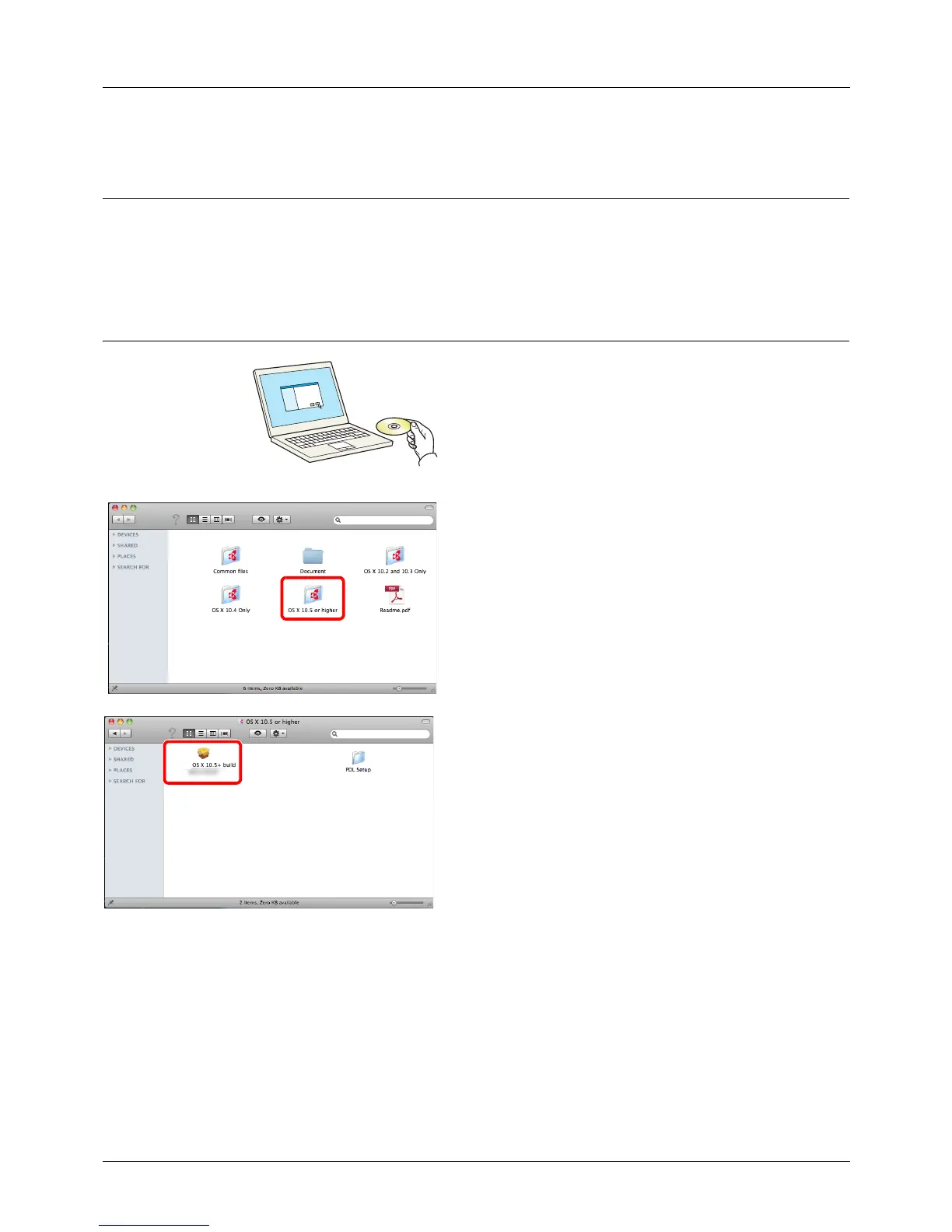
1 Insert the DVD.
This section explains how to install the printer driver in
Mac OS.
2 Double-click [ OS X vx.x] depending on your
Mac OS version.
3 Double-click OS X 10.5.








 To Next Page