4
4-11
Copying Functions
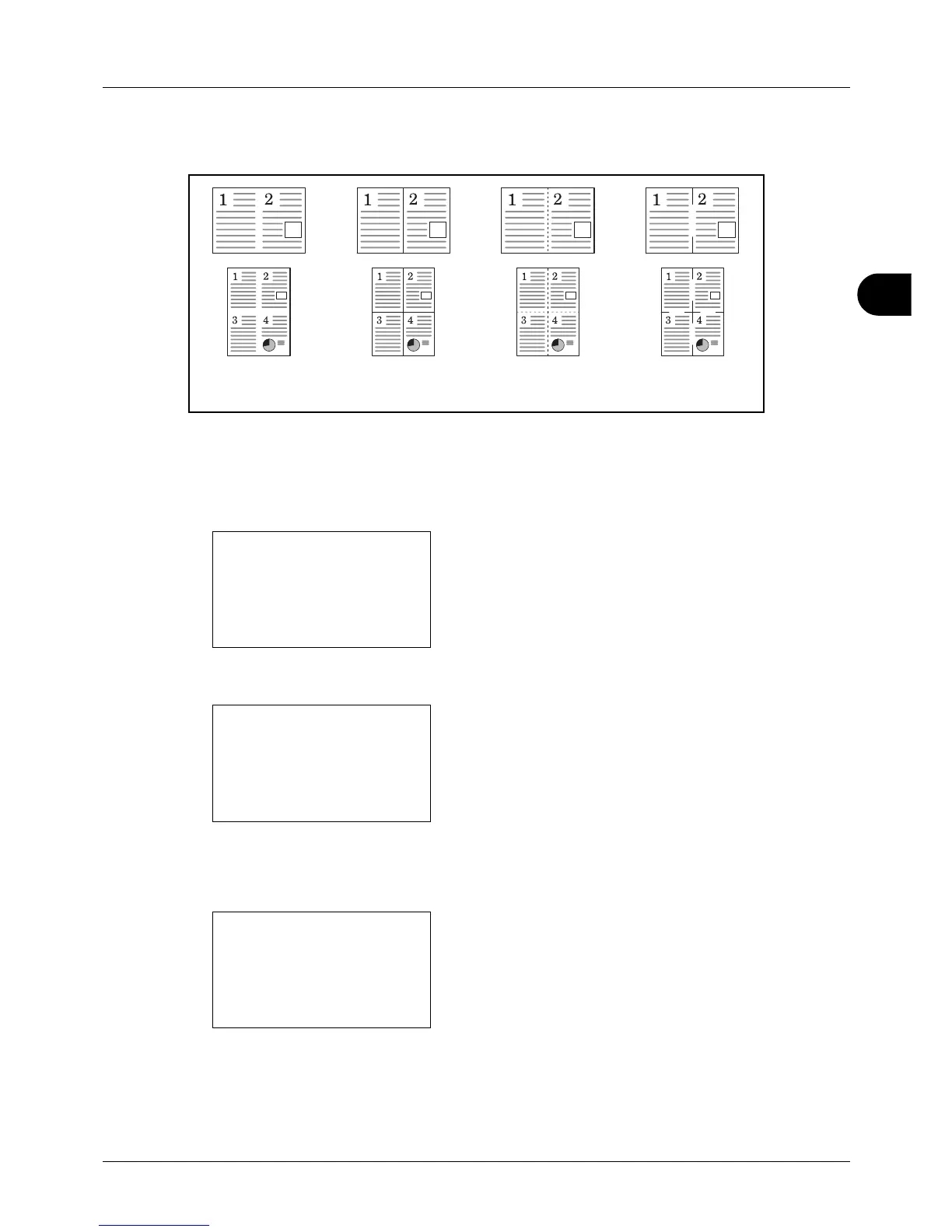
Types of Page Boundary Lines
The following types of the boundary lines are available.
The procedure for using Combine mode copying is explained below.
1 Press the Copy key.
2 Place the original.
3 Press the Function Menu key. Function Menu appears.
4 Press the or key to select [Combine].
5 Press the OK key. Combine appears.
6 Press the or key to select [2 in1] or [4 in 1].
7 Press [Detail] (the Right Select key).
8 Press the or key to select the desired layout and
th
en press the OK key.








 To Next Page