7-6
Status / Job Cancel
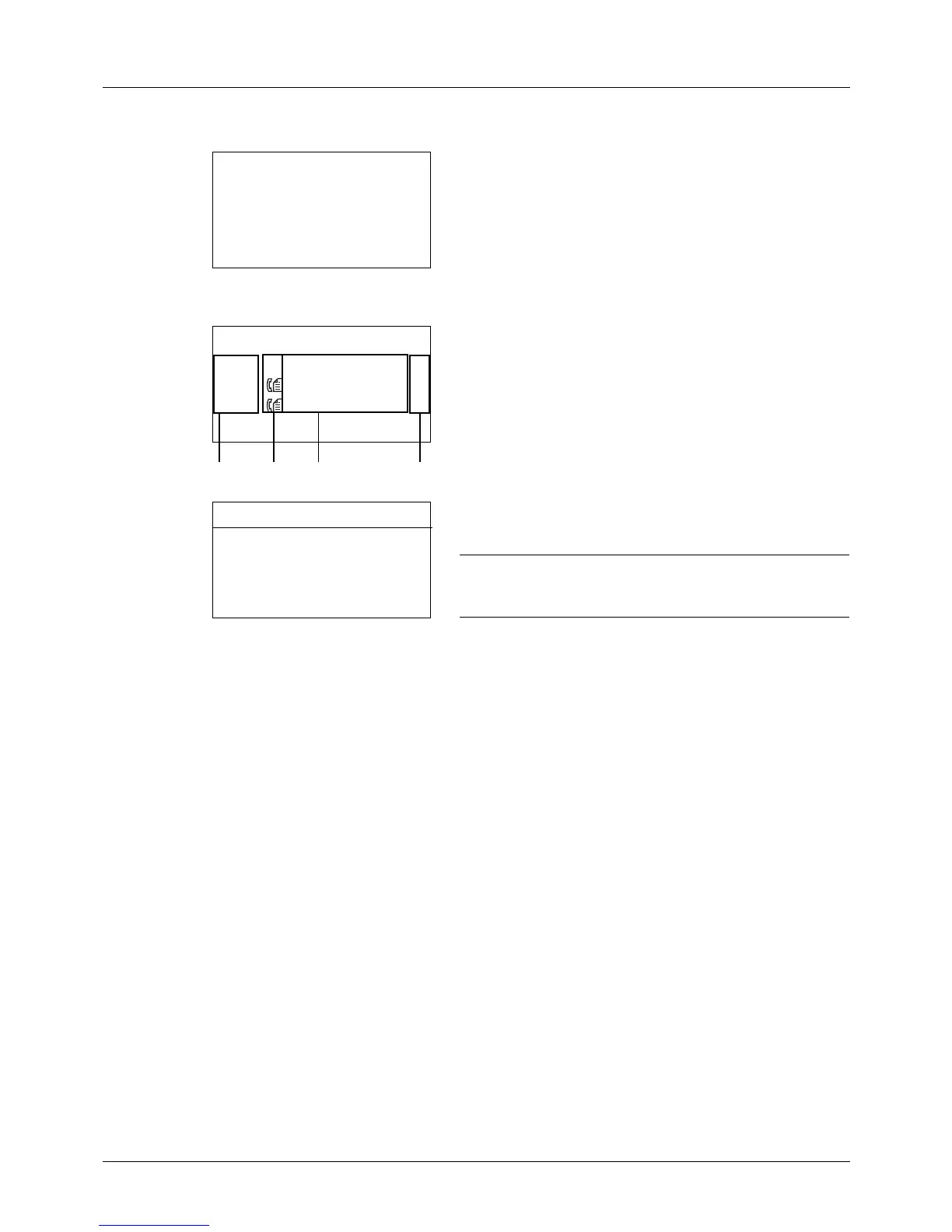
Store Job Status screen
1 Press the Status/Job Cancel key. The Status menu
appears.
2 Press the or key to select [Store Job Status].
3 Press the OK key. Store Job Status appears. Press the
or key to check the store queue.
Press the OK key to check detailed information of the
selected job.
NOTE: You can also check the job information by pressing
[Menu] (the Right Select key) and selecting [Detail] in the
menu that appears.
Press the or key to switch the display to other
information items. The items displayed are as follows:
Status (status of job)
Accepted Time
Job Name
Job Type
User Name
Original Pages (number of pages of the original)
Color/B & W (color mode of the original)
Sender Info. (destination information)








 To Next Page