8
8-51
Default Setting (System Menu)
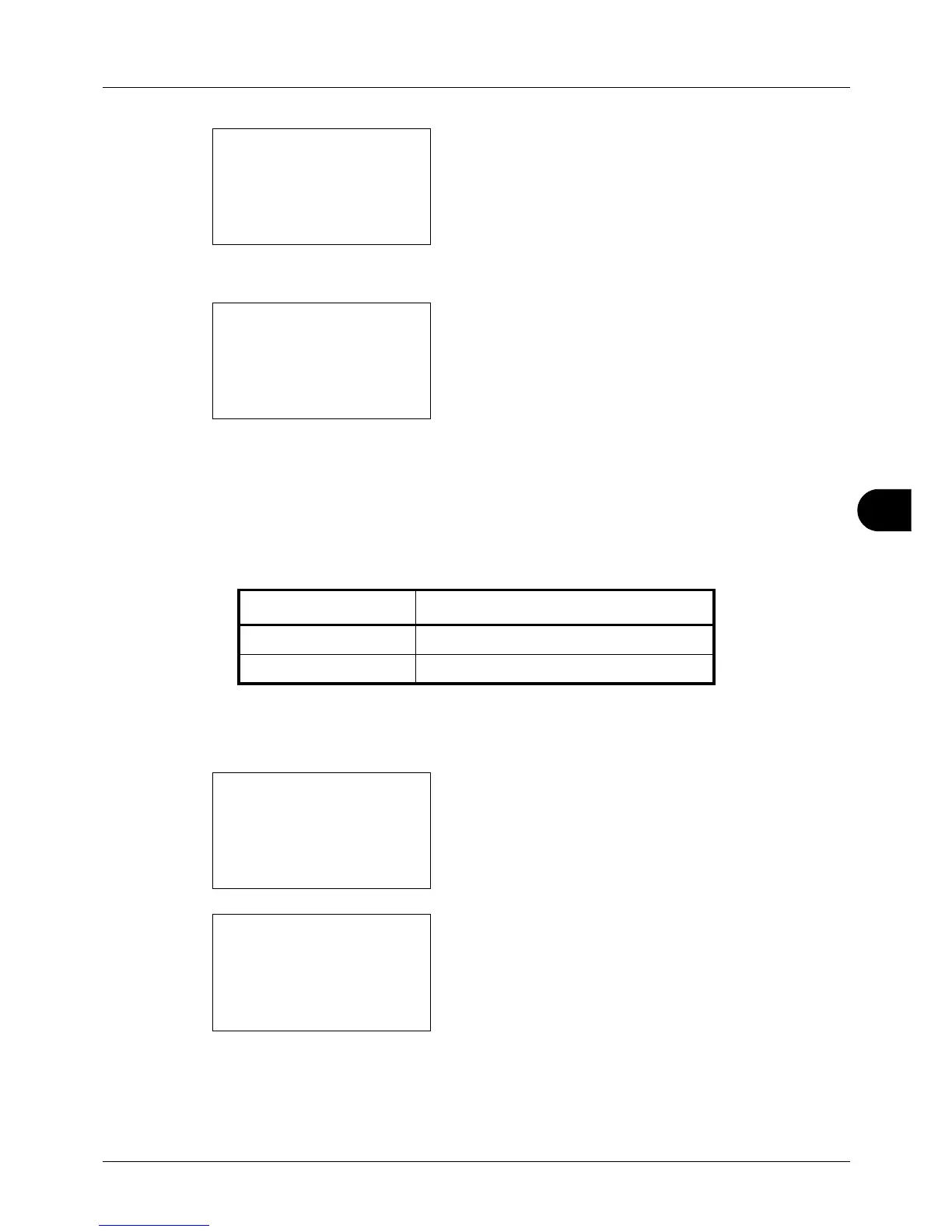
4 Press the OK key. The Function Default menu appears.
5 Press the or key to select [Collate].
6 Press the OK key. Collate appears.
7 Press the or key to select [Off] or [On].
8 Press the OK key. Completed. is displayed and the
scr
een returns to the Function Default menu.
Orig.Orientation
Set the original orientation defaults. The available default settings are shown below.
Refer to page 4-6 for Original Orientation.
Use the procedure below to select the default orientation when originals are placed on the platen.
1 In the Sys. Menu/Count. menu, press the or key to
se
lect [Common Settings].
2 Press the OK key. The Common Settings menu appears.
3 Press the or key to select [Function Default].
Item Description
c Top Edge Top Select the original's top edge at the top.
d Top Edge Left Select the original's top edge at the left.








 To Next Page