8
8-101
Default Setting (System Menu)
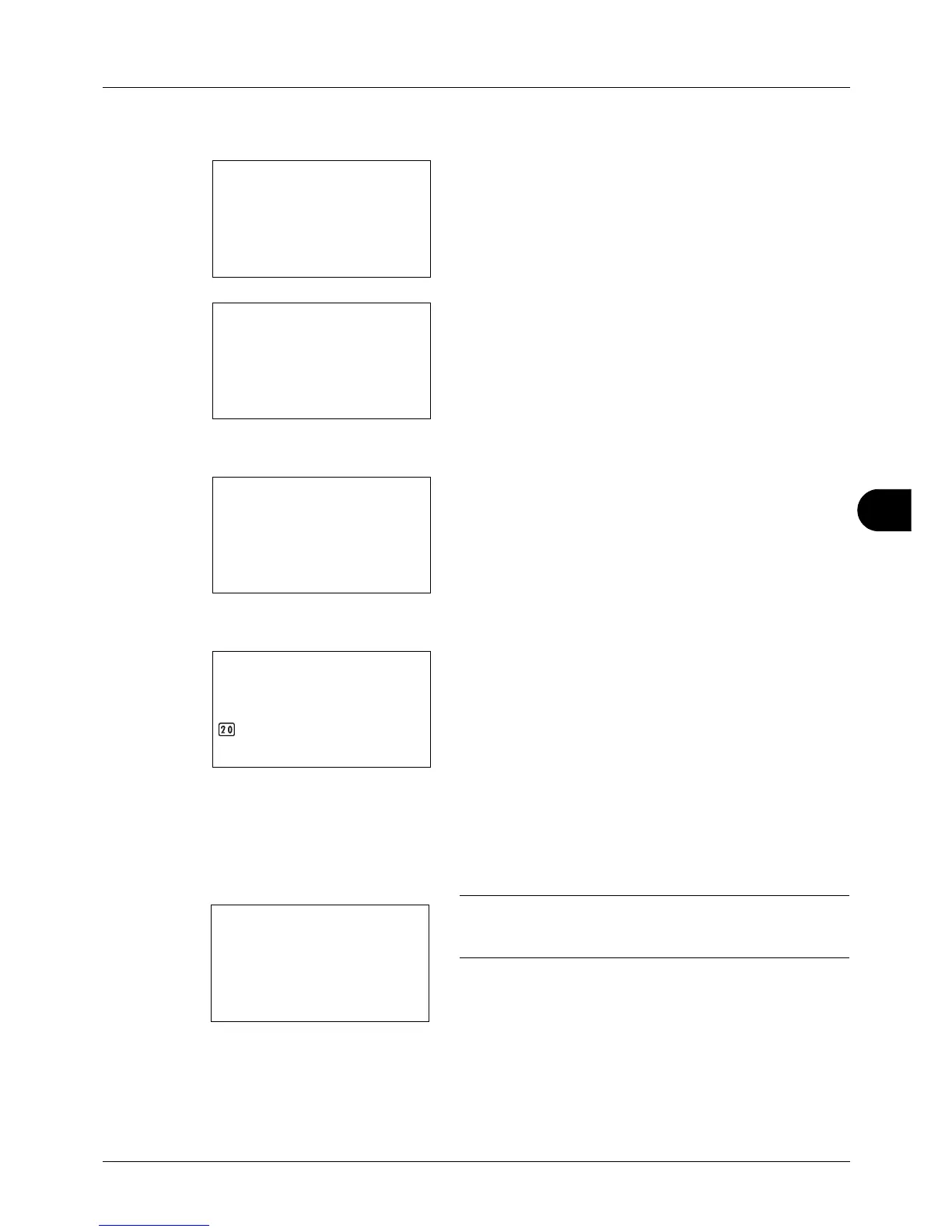
Use the procedure below to set Select Key Set.
1 In the Sys. Menu/Count. menu, press the or key to
se
lect [Send].
2 Press the OK key. The Send menu appears.
3 Press the or key to select [Select Key Set.].
4 Press the OK key. Select Key Set. appears.
5 Press the or key to select [Left] or [Right].
6 Press the OK key. This displays the function selection
scr
een for the flexible key selected in step 5. The screen
shown is the one when [Left] is selected.
7 Press the or key to select the function you want to
regist
er to the flexible key.
8 Press the OK key. Completed. is displayed and the
scr
een returns to the Send menu.
IMPORTANT: If you try to set the function that is registered
to the other flexible key, you cannot set it and This function is
already registered. is displayed.








 To Next Page