8-112
Default Setting (System Menu)
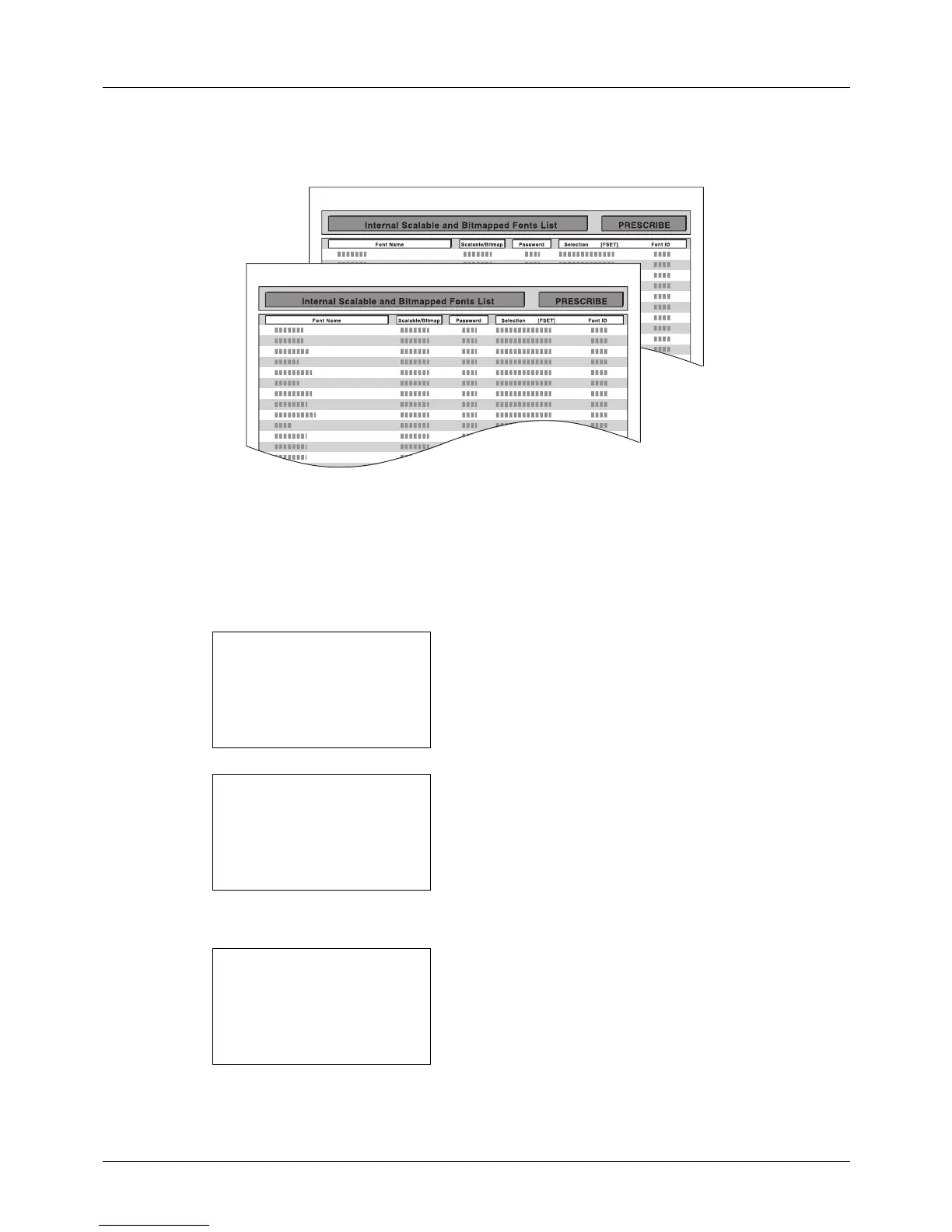
Font List
Check the font samples installed in the machine.
Optional Network Status
You can view information on the installed network interface card or wireless interface card.
Use the procedure below to print a Menu Map / Status Page / Font List / Opt NW Status.
1 In the Sys. Menu/Count. menu, press the or key to
select [Report].
2 Press the OK key. The Report menu appears.
3 Press the or key to select [Report Print].
4 Press the OK key. The Report Print menu appears.
5 Press the or key to select [Menu Map], [Status
Page], [Font List] or [Opt NW Status].








 To Next Page