8
8-119
Default Setting (System Menu)
5 Press the or key to select the density from
[1
(Lighter)] to [5 (Darker)].
6 Press the OK key. Completed. is displayed and the
scr
een returns to the Adjust/Maint. menu.
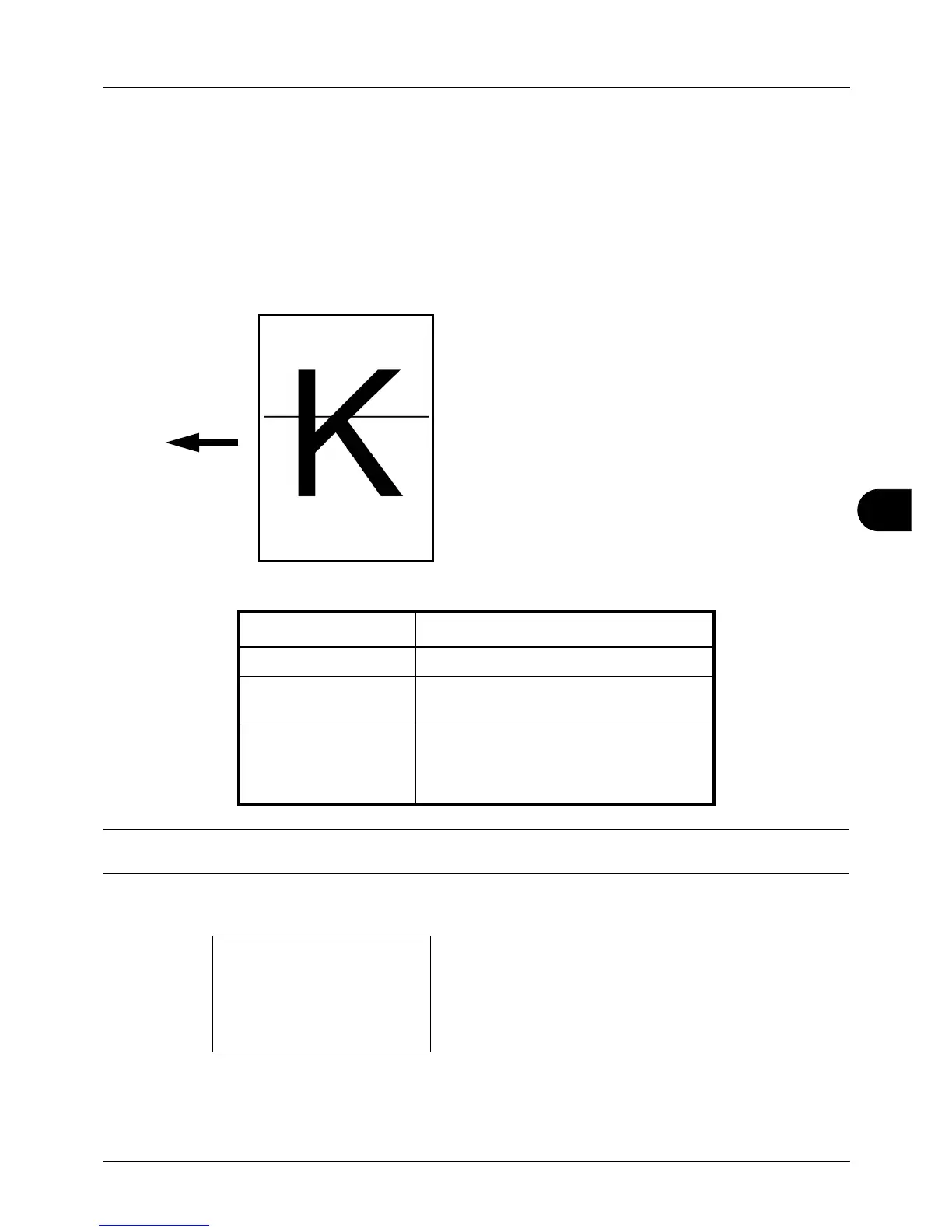
Correct. Bk Line
Correct fine black lines (black streaks caused by contamination), which may appear on the copies, when the
document processor used.
The table below shows the available settings.
NOTE: Using Correcting Fine Black Line can impair reproduction of fine characters. It is recommended to keep the
default ([Off]).
Use the procedure below to specify the setting for correcting fine black lines.
1 In the Sys. Menu/Count. menu, press the or key to
s
elect [Adjust/Maint.].
Item Description
Of
f No correction performed.
On(Low) Correction performed. The reproduction of
the image becomes lower when using Off.
On(High) Correction performed. Select this item if
black streak remains after using On (Low).
The reproduction of the image becomes
lower when using On (Low).








 To Next Page