11-18
Management
AccountingAccess
Set the job accounting access. Use the procedure below to specify the job accounting access setting.
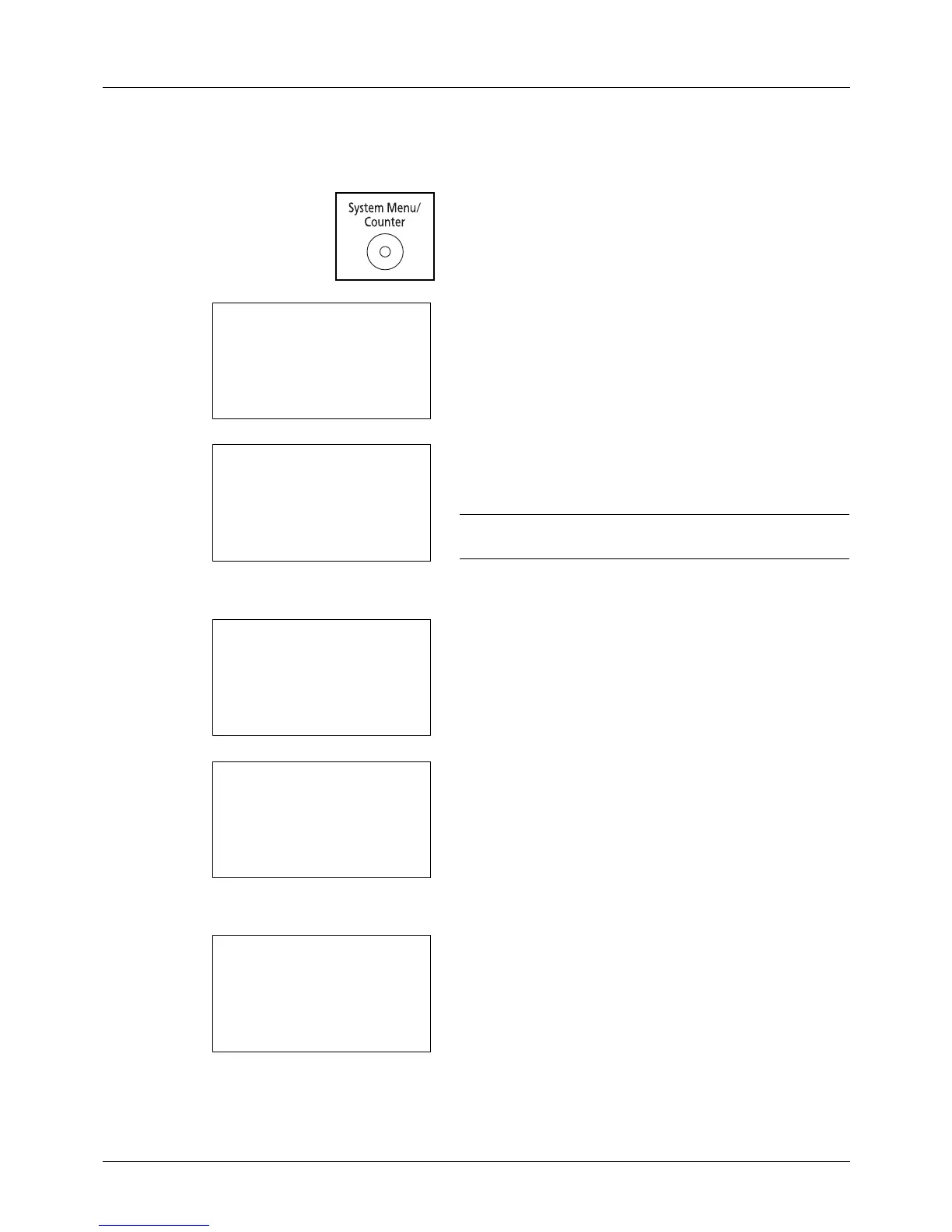
1 Press the System Menu/Counter key on the main unit
ope
ration panel.
2 Press the or key to select [User/Job Account].
A login screen will appear. Then, enter the user ID and
password with administrator privileges to log in, and
press [Login] (the Right Select key).
NOTE: Refer to Character Entry Method on Appendix-5 for
details on entering characters.
3 The User/Job Account menu appears.
4 Press the or key to select [Job Account. Set.].
5 Press the OK key. The Job Account. Set. menu appears.
6 Press the or key to select [AccountingAccess].
7 Press the OK key. AccountingAccess appears.
8 Press the or key to select [Local] or[Network].








 To Next Page