5-13
Operation on the Machine > Application
Uninstalling Applications
The procedure is as follows.
1
Display the screen.
[System Menu/Counter] key > [Application] > [Application]
2
Deactivate the application.
1 Select the application you want to deactivate > [Menu] > [Deactivate]
You can view detailed information on the selected application by selecting [ ].
2 Select [Yes].
3
Uninstall the application.
1 Select the application you want to uninstall > []
You can view detailed information on the selected application by selecting [ ].
2 Select [Yes].
If the user authentication screen appears, enter your login user name and login password
and select [Login]. For this, you need to login with administrator privileges. The factory
default login user name and login password are set as shown below.
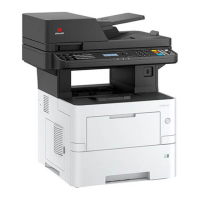
d-COPIA 4513MF plus d-COPIA 5514MF d-COPIA 6014MF
d-COPIA 4514MF plus
5500 6000
Login User Name: 4500
Login Password: 4500
5500 6000











 To Next Page