10-24
Troubleshooting > Troubleshooting
S
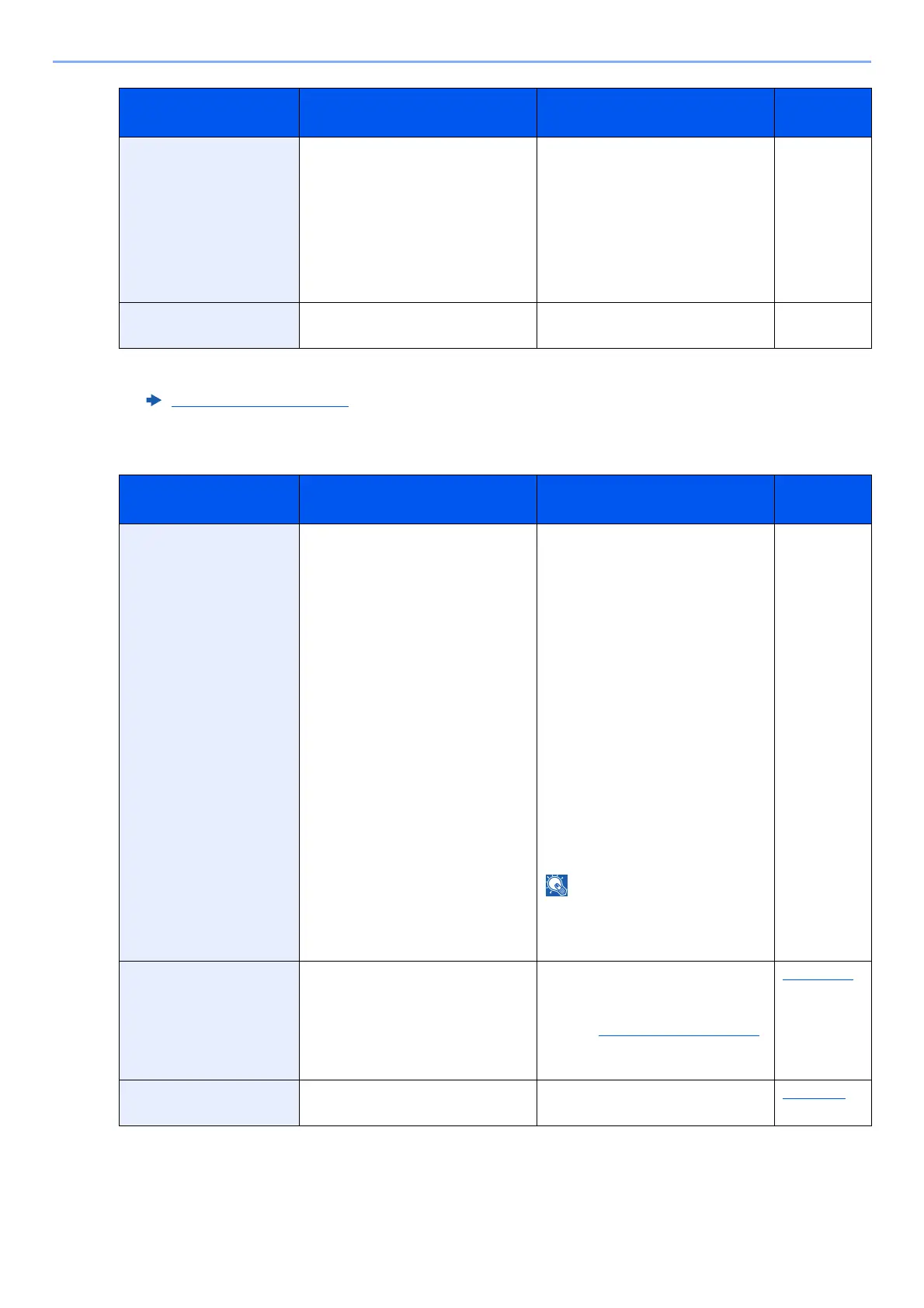
Replace MK. —
Replacement of the parts in the
maintenance kit is necessary at
every 300,000 pages (d-COPIA
4513MF plus/d-COPIA 4514MF
plus) or 500,000 pages (d-COPIA
5514MF/d-COPIA
6014MF) of
printing and requires professional
servicing. Contact your Service
Representative.
—
Running security
function...
— Running security function. Please
wait.
—
*1 When Auto Error Clear is set to [On], processing resumes automatically after a set amount of time elapses. For details
on Auto Error Clear, refer to the following:
Auto Error Clear (page 8-48)
Message Checkpoints Corrective Actions
Reference
Page
Scanner memory is
full.
*1
— Scanning cannot be performed due
to insufficient memory of scanner.
Only one copy of the scanned
pages is available. Select
[Continue] to print, send or store
the scanned pages. Select [Cancel]
to cancel the printing job.
The machine may reproduce the
same originals by arranging the
following settings:
• Reduce the number of originals
to be scanned at once.
Furthermore, the machine may
reproduce the same originals by
arranging the following settings:
•Select [Copy Priority] of
Optional Memory in System
Menu.
Before changing the Optional
Memory setting, contact your
administrator.
—
Send Error.
*2
— An error has occurred during
transmission. The job is canceled.
Select [End].
Refer to Responding to Send Error
for the error code and corrective
actions.
page 10-27
Shake the toner
container.
— Shake the toner container well and
reinstall it.
page 10-6
Message Checkpoints Corrective Actions
Reference
Page











 To Next Page