20Service Guide: Fiery® ES IC-420
Replacing Parts
Printer interface board
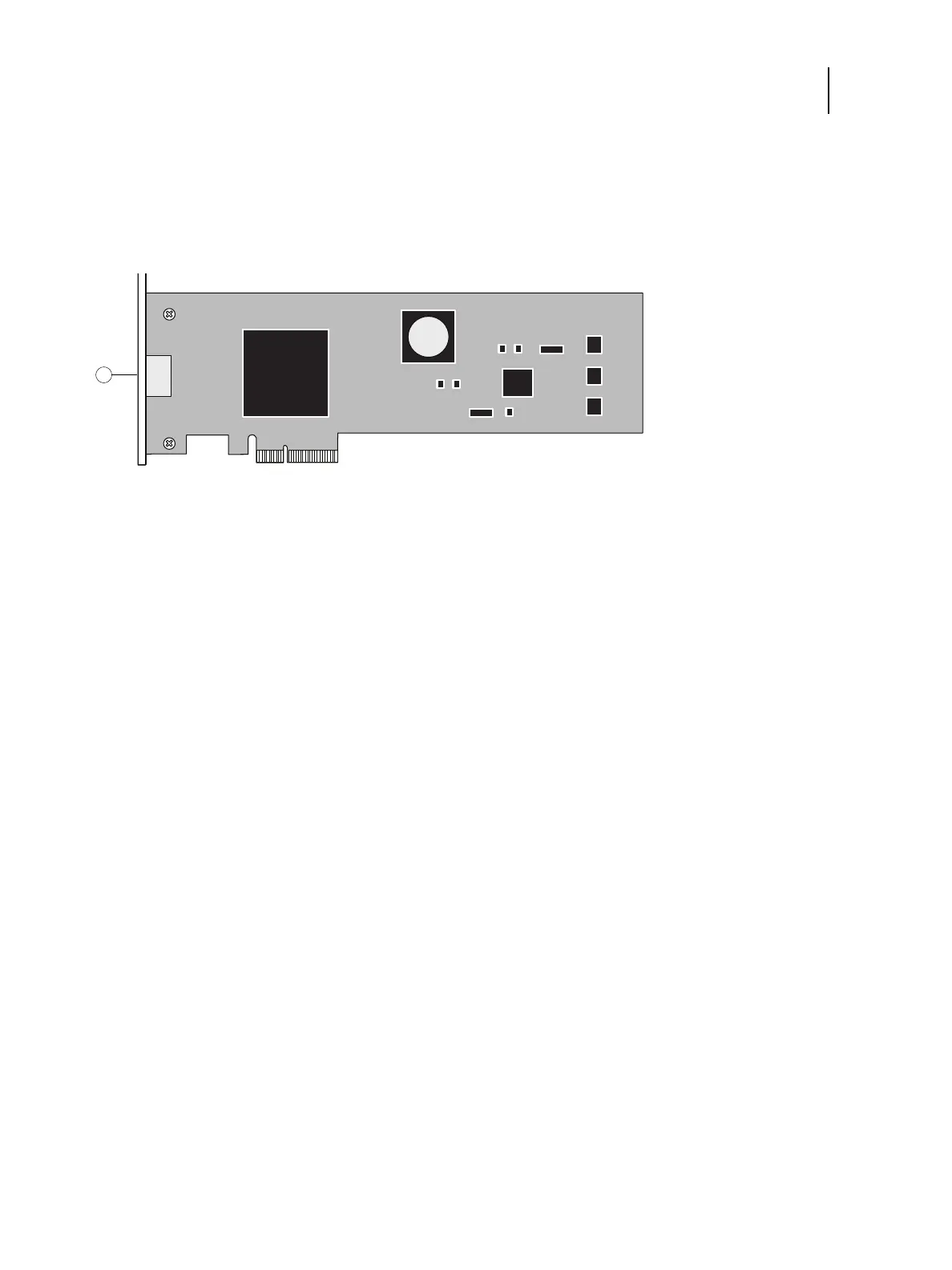
The printer interface board is installed in PCIE x4 on the motherboard.
Note: The printer interface cable that connects the printer interface board and the Printer is provided with the printer.
Figure 7: Detail of printer interface board (component side)
To remove the printer interface board
1 Access and open the Fiery ES, as described on page 18.
2 Remove the mounting screw that secures the printer interface board to the Fiery ES chassis (see Figure 8).
Set aside the mounting screw so that you can replace it later.
1 Printer interface connector



 To Next Page