Introduction
This document includes information about servicing the Fiery® ES IC-420. In this document, Fiery® ES IC-420 is
referred to as “the Fiery ES.”
About the Fiery ES
The Fiery ES embeds computer connectivity and highly efficient PostScript and PCL printing capacity into the
d-Color MF369/MF309/MF259 Printer.
It allows the customer to use the printer as a PostScript printer, and it provides efficient image processing and printing
controls. Once it is connected to the printer through a network, customers can print to the Fiery ES from supported client
computers on the network (Windows or Mac, or a UNIX workstation running TCP/IP).
The Fiery ES ships with system software pre-installed so that customers can use the Fiery ES immediately. However, as
part of servicing the Fiery ES, you may need to reinstall system software.
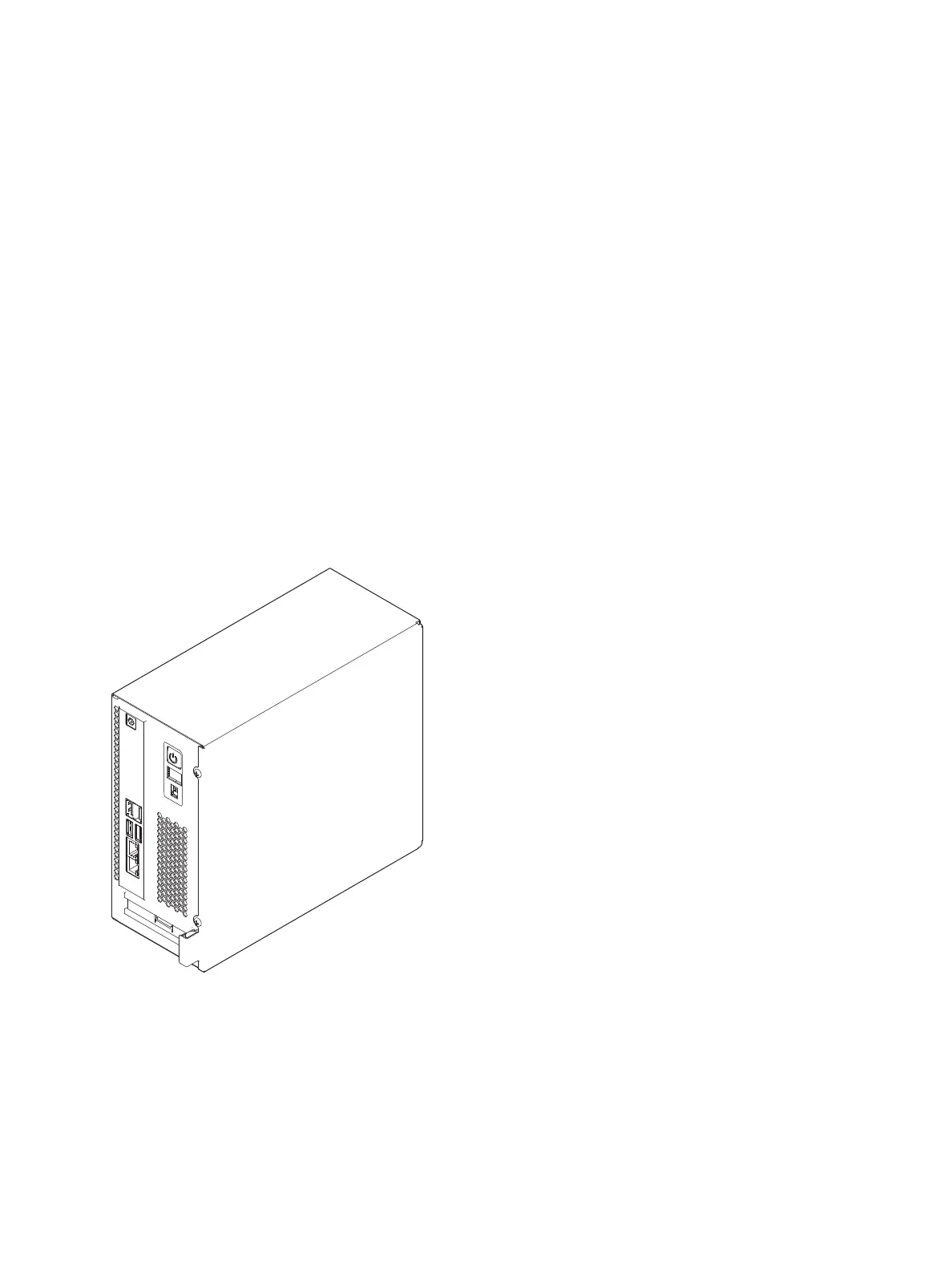
Figure 1: The Fiery ES
About this document
This service document describes how to install Fiery ES system software, and how to service the Fiery ES hardware. It is
not intended for customer use. Information about the printer, network, remote computers, software applications, and Fiery
ES operating system is not included in this document.



 To Next Page