Replacing Parts
Generally, the Fiery ES does not require regular maintenance. Use the procedures in this chapter to inspect, remove, reseat,
or replace the following hardware components.
• Printer interface board
• Hard disk drive (HDD)
• DIMM (dual in-line memory module)
• Power supply unit (AC adapter)
• Field replaceable unit (FRU)
If the hardware failure you are troubleshooting with is not related to the HDD or DIMM, contact your authorized service/
support center.
Fiery ES components
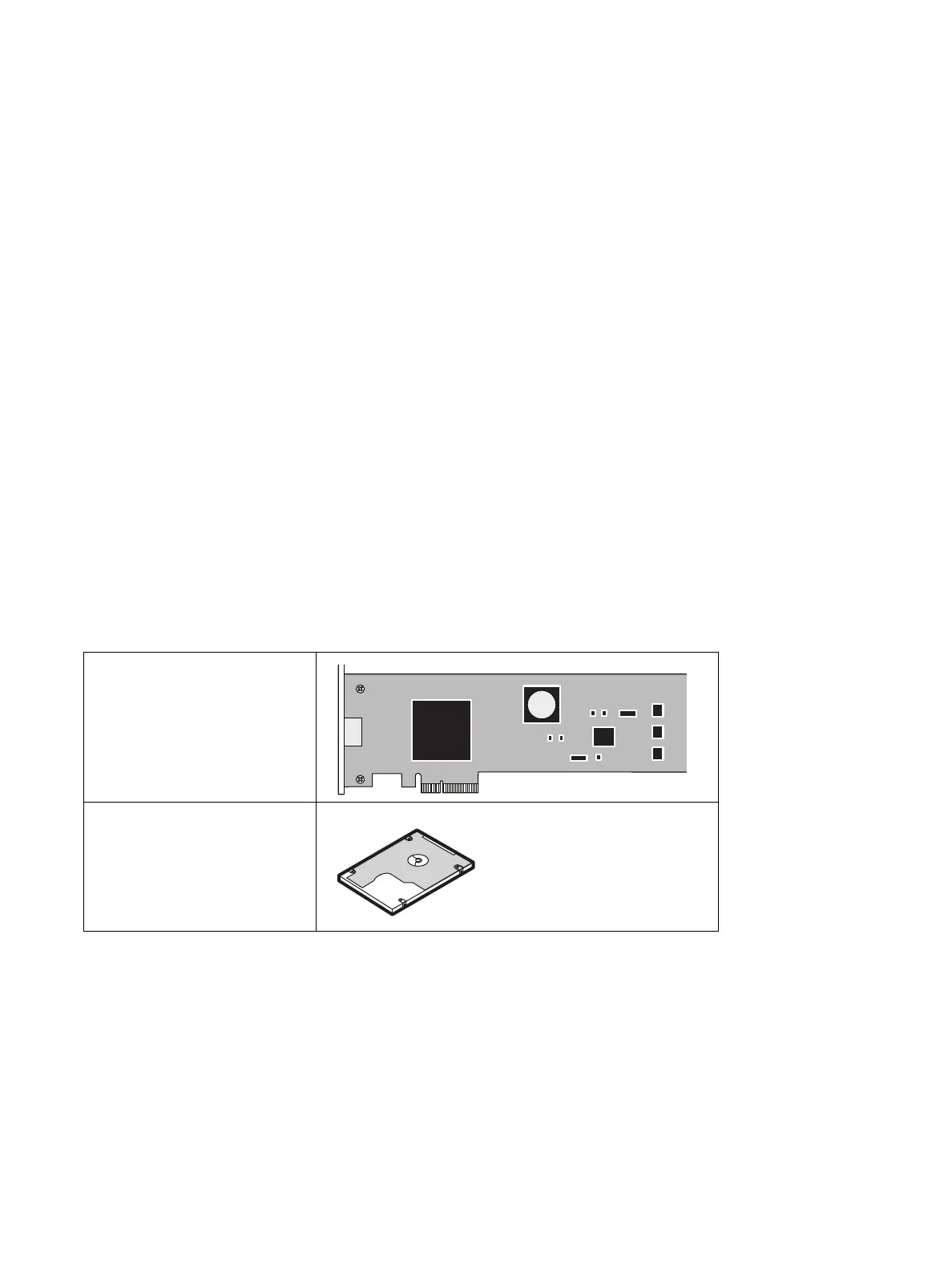
The replaceable components are illustrated in the following table.
Table 1: Fiery ES components
Printer interface board
Hard disk drive



 To Next Page