21
Device conguration
Control Panel
Graphic-Display
Denition of key functions:
MENU: Starts the menu control.
CANCEL: Cancels a measurement
or entry.
ENTER: Conrms an entry.
NEXT: Switches from graphic to
numerical display.
Continues to next number.
Switches to set the second
cursor pair.
- : Decreases number/change
selection.
: Increases number/change
selection.
PRINT: Output to printer and/or se-
rial interface (CASY excell).
CLEAN: Starts one or several cleaning
cycles.
START: Starts a measurement.
L-CURSOR: Positions left cursor.
: Shifts cursor to the right.
: Shifts cursor to the left.
R-CURSOR: Positions right cursor.
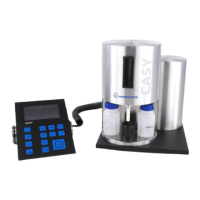
Figure 6: CASY TT, Control Panel
For adjusting the contrast of the CASY Control Panel display, you will nd an adjustment wheel lo-
cated on the right side of the CASY Control Panel.


 To Next Page
 Loading...