24
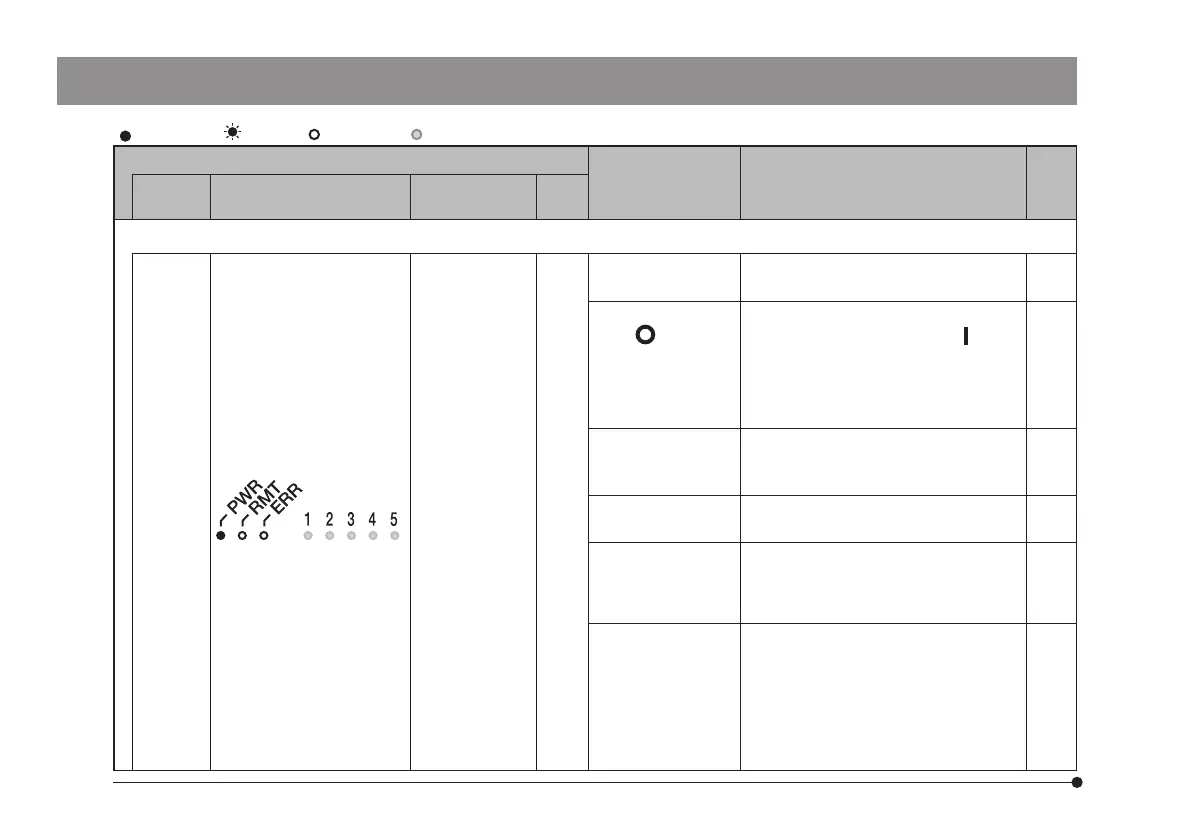
: Turns ON. : Blinks. :Turns OFF. : Varies depending on state.
Phenomena
Cause Remedy Page
Number
of beeps
CB HS MIX
e)
The system cannot be contr
olled by PC.
None
– –
The interface cable
is not connected.
Connect the interface cable.
30
The main switch is
set to
(OFF) while
the communication
between PC and
the microscope is in
process.
Close the application software.
Then, set the main switch to
(ON)
and start the application software.
9
The device driver
is not installed.
Install the device driver from the
installation media of the application
software.
–
The device is not
detected properly.
Scan the device again with the
Windows
®
device manager.
–
The USB cable is
connected to the
USB connector of
PC for the first time.
Install the device driver in
accordance with the installation
wizard.
–
The
communication
between the
control box (BX3M-
CBFM or BX3M-
CB) and PC is
disconnected.
Remove the interface cable from PC
and connect it again. Then, restart
the application software.
If the communication is still not
restored, turn OFF the power
supplies of the microscope and PC
and turn ON again.
30



 To Next Page