40
4
2,4
1,3,5
6
Changing the Playback Speed (PLAY SPEED)
Changing the Playback Speed (PLAY SPEED)
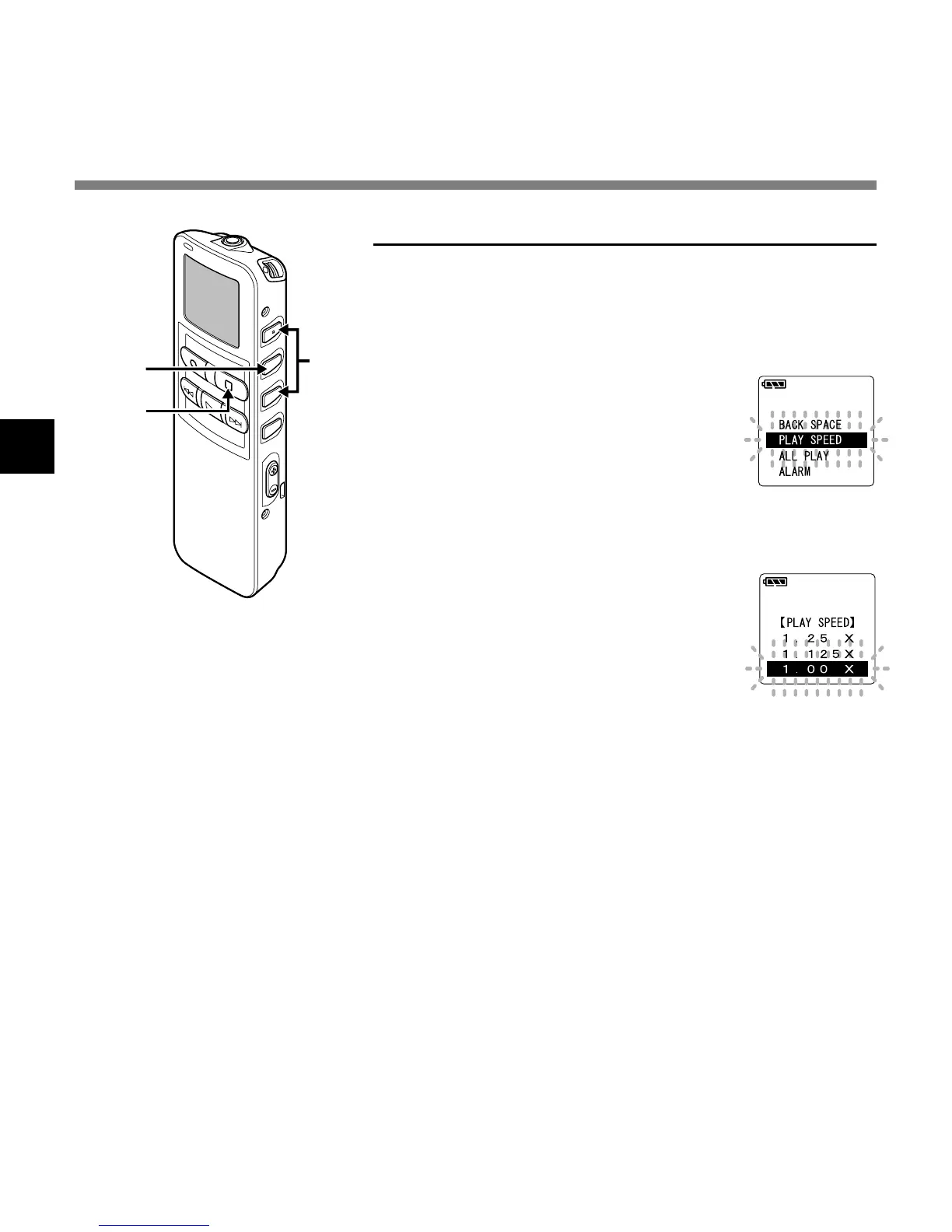
Changing from the menu
1
Press and hold the MENU/SET
button for 1 second or longer.
The main menu opens (☞ P.16,18).
2
Press the 3 or 2 button to
choose “PLAY SPEED”.
3
Press the MENU/SET button.
The playback speed setup process
begins.
4
Press the 3 or 2 button to set
the playback speed.
Playback speed can be changed by
units within 0.5 to 2 times speed for
every 0.125 times.
5
Press the MENU/SET button
to complete the setup screen.
After that, the fast playback/slow
playback will be the set playback
speed.
6
Press the STOP button to close
the main menu.



 To Next Page