46
4
Skip Interval Setting (SKIP SPACE)
6
5
7
5
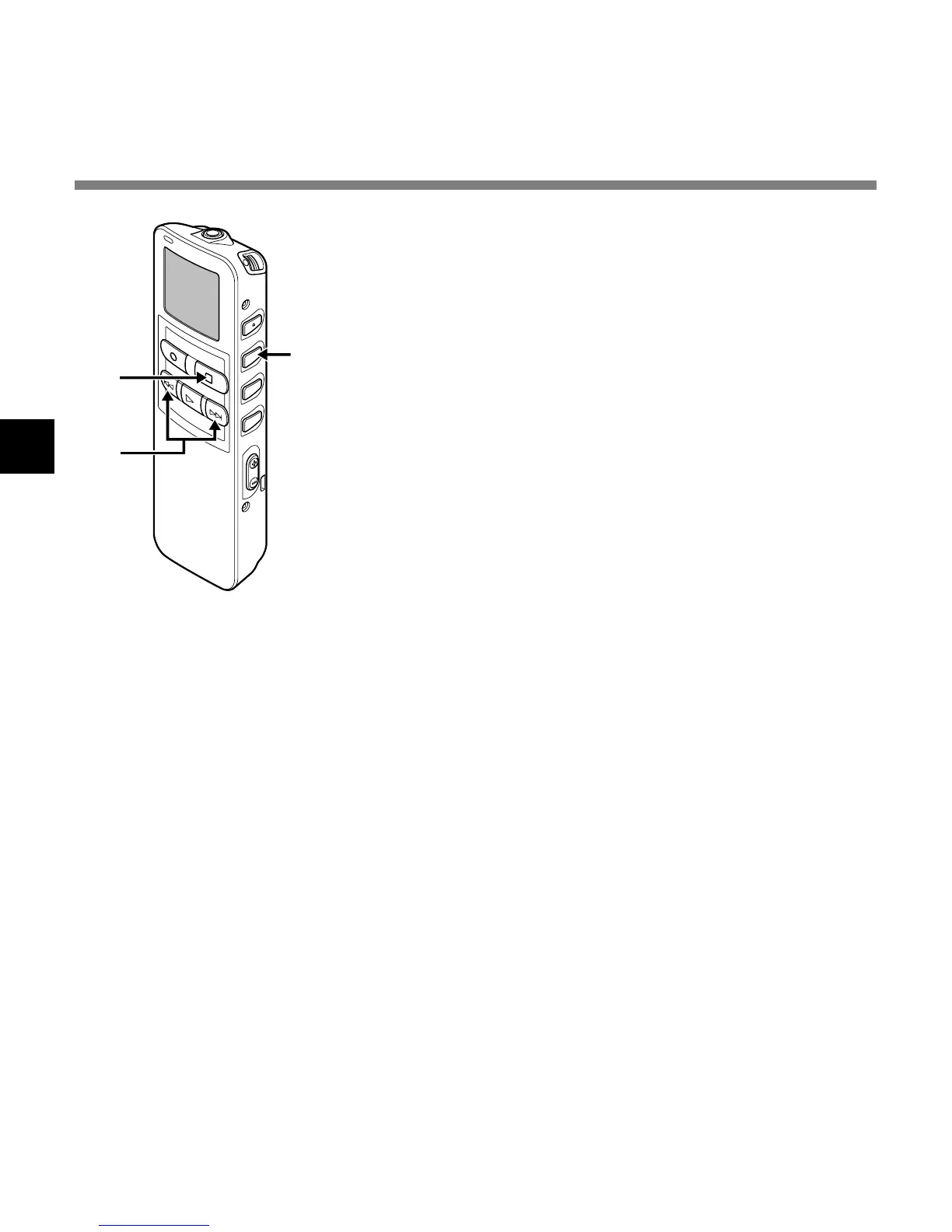
Press the MENU/SET button to complete the
setup screen.
6
Press the STOP button to close the main menu.
7
Press the FF or REW button while the file is
being replayed.
Skip or reverse skip is executed for the set time and
playback will start.
....................................................................................................................................................
Note
If both skip interval and auto backspace review are set, the previous playback setting will have priority for
the reverse skip when the REW button is pressed.
Skip Interval Setting (SKIP SPACE)



 To Next Page