85
EN
6
Recording and viewing movies
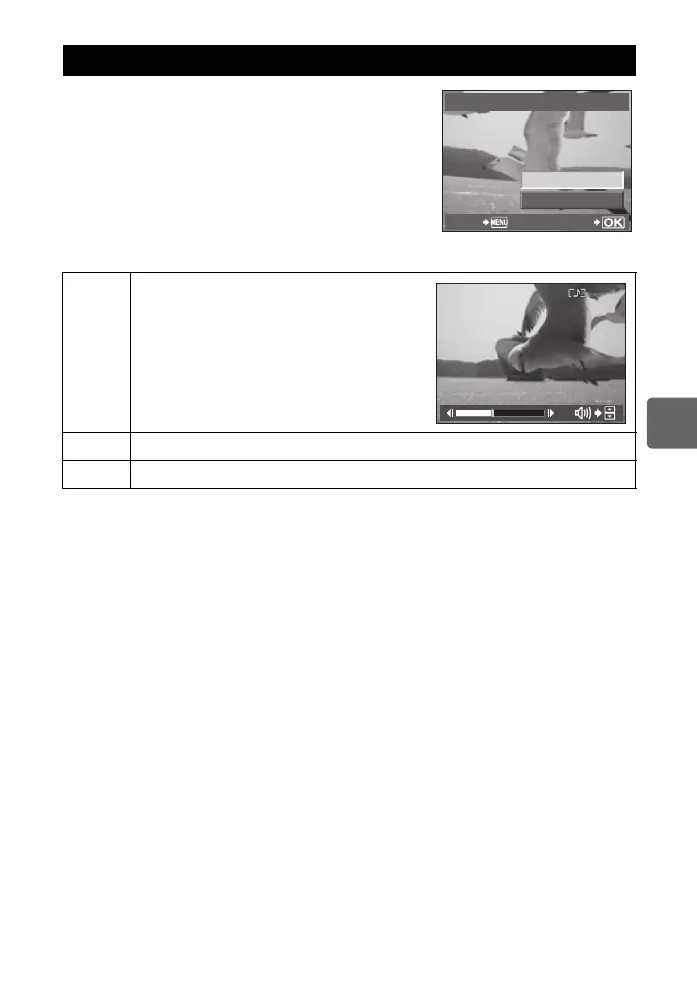
1 Display a movie in single-frame playback and
press the ibutton.
2 Select [MOVIE PLAY] using ac and press the
i button to begin playback.
• The following operations can be performed during movie
playback.
Viewing movies
i
Pause or resume playback.
• While playback is paused, press a to display the
first frame and press c to display the last frame.
Press bd to rewind or advance one frame. Press
and hold the button to rewind or advance in
succession.
b/d
Advance or rewind a movie.
a/c
Adjust volume.
MOVIE
MOVIE PLAY
m
SETBACK
00:14
/
00:34
s0033_e_00_0_unified.book 85 ページ 2010年11月16日 火曜日 午後5時24分



 To Next Page