6
1
5
6
2
Observation/Acquisition Flow
Main Controls Introduction
Double-click on the FSX-BSW icon on
the desktop to launch the software.
1
5
6
2
3
4
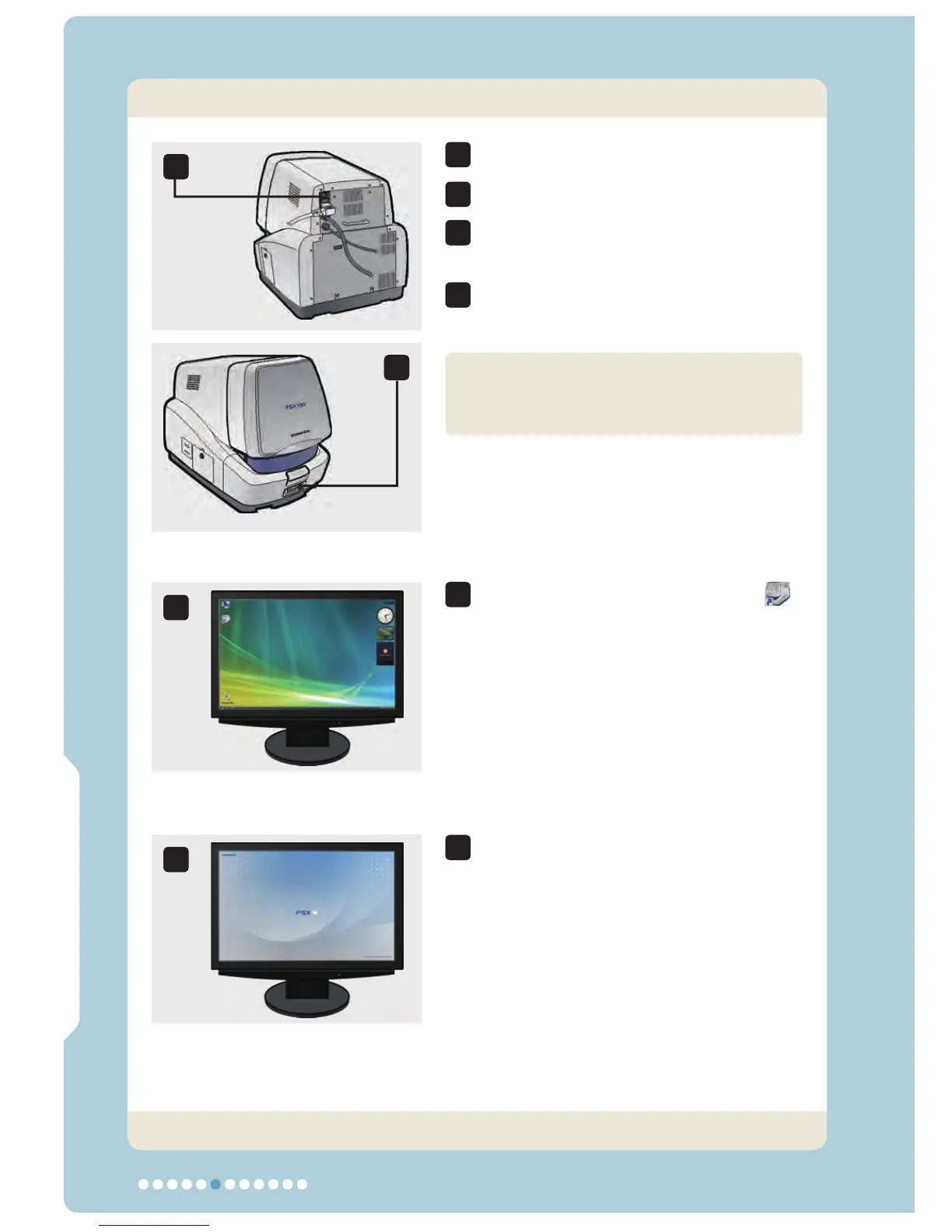
1. Starting the System
Observation/Acquisition Flow
Set the main switch to “ l ” (ON).
Push the sub switch to turn it on.
Set the main switches of the computer
and monitor to ON.
Log on Windows Vista with your own
user ID.
The splash screen appears on the
monitor screen.
The image data acquired with this unit
and the acquisition settings are saved
on a per-user ID basis.
Now the system has started up.



 To Next Page