61
4
1
While the recorder is stopped or
during playback, press the MENU
button for 1 second or longer.
The “Menu” screen opens (☞ P. 70).
If the recorder is stopped, proceed to Step
2. If the recorder is playing, proceed to
Step 3.
2
Press the OK or 9 button.
The “Play Menu” screen opens.
3
Press the + or
–
button to choose
“Random”.
4
Press the OK or 9 button.
The random setup process begins.
5
Press the + or
–
button to choose
between “On” and “Off”.
On: Plays the music files within the range
set in “Play Mode” randomly.
Off: Cancels the setting.
If the recorder goes to the menu screen
during playback, move the cursor to
change playback sound accordingly.
6
Press the OK button to complete
the setup screen.
If the 0 button is pressed, the setting
will be canceled and it will return to the
“Play Menu” screen.
2
1
4
3
6
5
Play Mode
Random
WOW
EQ
Play Menu
On
O
ff
a n dR o m
Random Playback (Random)
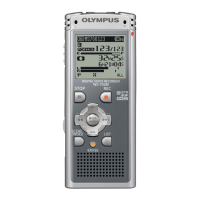
You can set the random playback of the music files within the range set in “Play Mode”
(☞ P. 59).
Random Playback (Random)



 To Next Page