93
5
1
While the recorder is stopped,
press the MENU button for 1
second or longer.
The “Menu” screen opens (☞ P. 42, P. 70).
2
Press the + or
–
button to choose
“Sub Menu”.
3
Press the OK or 9 button.
The “Sub Menu” screen opens.
4
Press the + or
–
button to choose
“System Info.”.
5
Press the OK or 9 button.
“Capacity/Model/Version” will appear.
6
Press the STOP button to close the
menu.
2
3
1
u b M e n uS
Lock
Time & Date
Format
System Info.
:
2GB
:
WS331
:
1.00
Capacity
Model
Version
System Info.
Viewing System Information (System Info.)
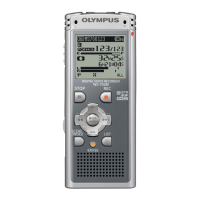
You can check the recorder's information on the menu screen.
4
5
6
Viewing System Inf
ormation (System Inf
o.)



 To Next Page