81
5
6
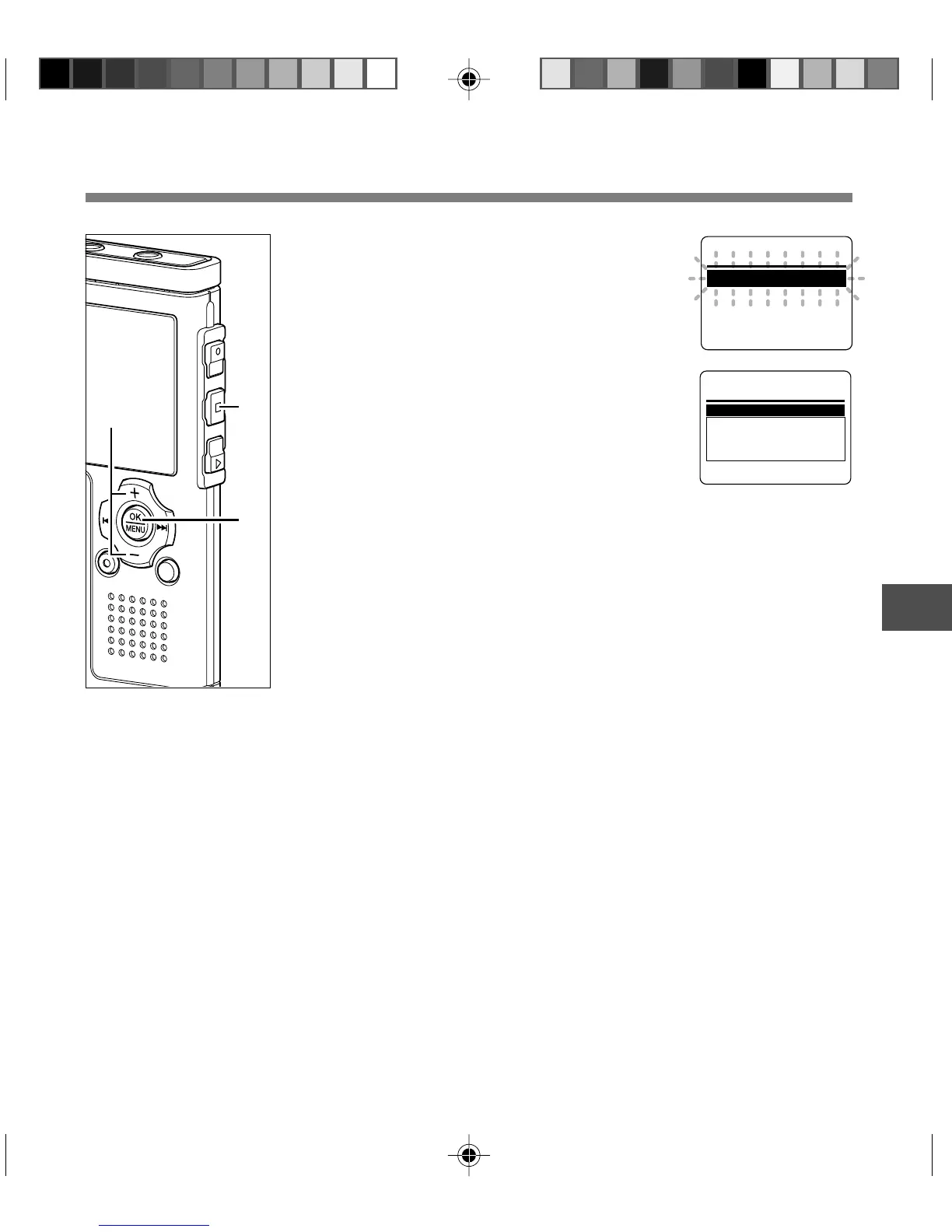
Press the + or
–
button to change
the setting.
If the recorder goes to the menu screen
during playback, move the cursor to
change playback sound accordingly.
7
Press the OK button to complete
the setup screen.
The new setting will be displayed on the
screen.
Pressing the 0 button rather than the
OK button will cancel the new setting and
return the display to the previous menu
screen.
8
Press the STOP button to close the
menu.
If the menus were entered during
playback, pressing the 0 button will
return the screen to the playback display
without interrupting playback.
Hi
g
h
Noise Cancel
Hi
g
h
S E T
6
8
7
Menu Setting Method
Hi
g
h
L o w
O f f
Noise Cancel
Menu Setting Method



 To Next Page