14
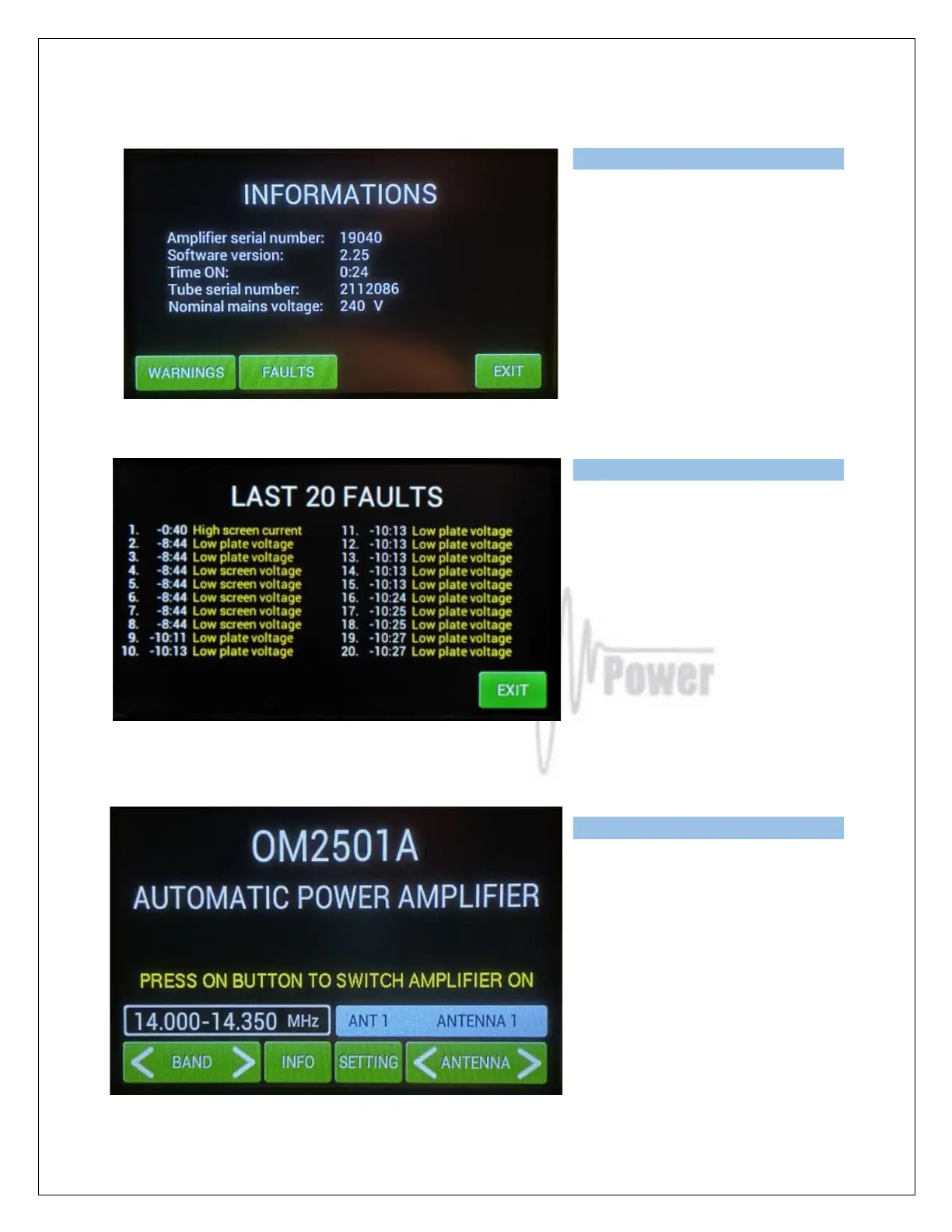
The information screen also provides an
overview of the last 20 warnings and
faults:
Press FAULTS.
Press EXIT to go back to the home
screen.
Now press SETTINGS. This display
shows various menu settings for CAT,
NO CAT, ANTENNA, DISPLAY, EBS,
CLEAR user settings for one or all
bands, BLOWER mode and other INFO.



 To Next Page