29
Installation
O
eration and Maintenance Manual ManRE20en Rev.06/2022
OMC S.p.A: Via G. Galilei, 18 - 20060 - Cassina de Pecchi (MI) - ITALY - www.omcvalves.com - Tel.: (+39) 02.95.28.468
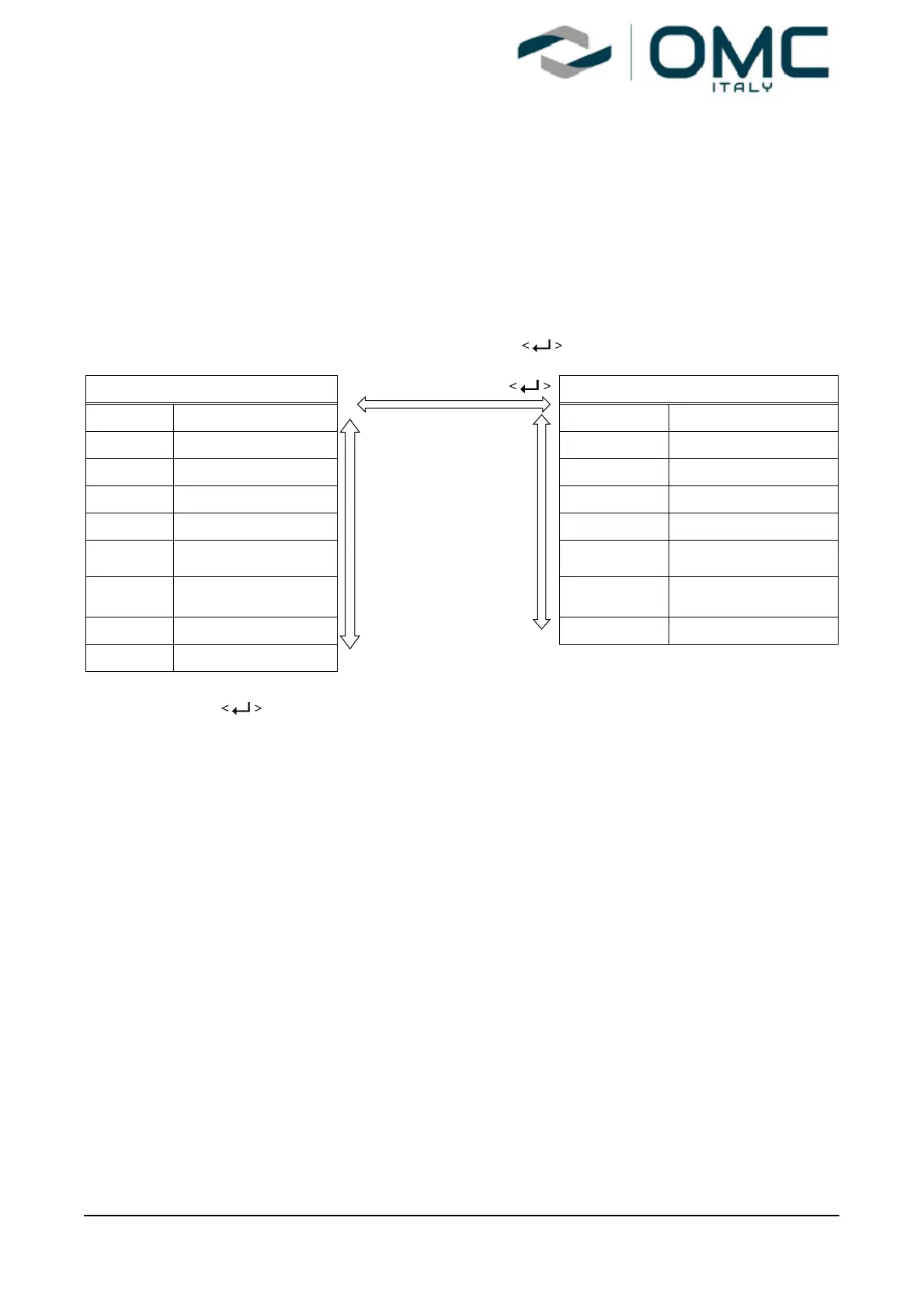
8.3 Menu levels
The basic menu structure consists of the RUN Mode Monitor and the Configuration/Operation. The
Run Mode Monitor menu allows you to monitor the values of various variables. The
Configuration/Operation menu provides calibration and tuning, manual operation, configuration of I/O
port function, configuration and self-test of positioner, configuration of diagnostic function, and basic
information of the positioner. See below for information on how to move between Run Mode Monitor
menu and Configuration/Operation menu, and move within Run Mode Monitor menu.
Press for more than 3 seconds in Run
Mode to go to Configuration/Operation.
Run Mode Monitor ESC
Configuration and Operation
RUN AP Actual Position
CALIb Calibration
RUN TP Target Position MAN OPER Manual Operation
RUN dV Deviation Value CTRL PARM Control Parameter
RUN IV Integral Output Value IN CFG Input Configuration
RUN MV Manipulator Value UP/DN OUT CFG Output Configuration
RUN
TEMP
Temperature ESC+UP/DN dEV CFG Device Configuration
GOOd
Device / Process
Status
dIAGNO Diagnosis
RUN IN Input Current INFO Information
RUN SP Set Position
Press the button to select the lower menu of the Configuration/Operation menu. Press the
ESC button to return to parent menu after completing configuration. Pressing the ESC button
anywhere in the menu structure several times returns the user to the uppermost menu, Run Mode
Monitor menu.


 To Next Page