Data Logger Manual
Page 9
3.5 Statistics
Statistical information is generated based on the data measured by each channel.
Note: Information is only generated while the data logger is
running and the reset does not affect statistics on download.
3.6 View Channel Statistics
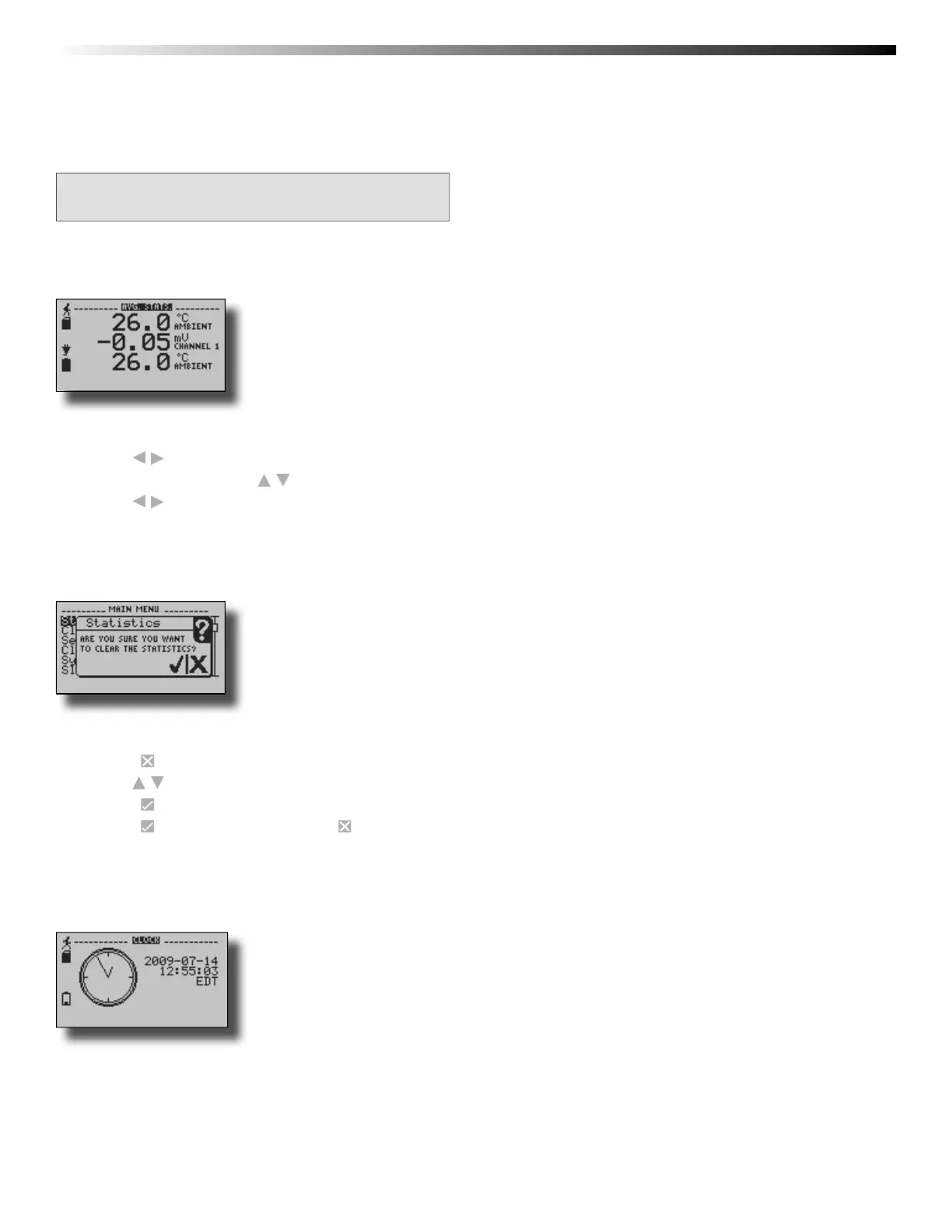
Minimum, maximum, and average values are calculated for each channel and displayed in the statistics screens.
To view channel statistics from the Home Screen:
1. Use to view desired statistic screen
2. In statistics screen use to view statistics for each channel
3. Use to scroll back to the Home Screen
3.7 Clear Channel Statistics
Statistics may be cleared and reset at any time.
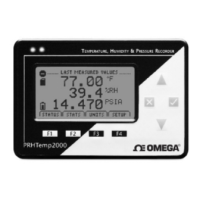
To clear channel statistics from the Home Screen:
1. Press to enter the Main Menu
2. Use to highlight Clear Statistics
3. Press to select Clear Statistics
4. Press to confi rm statistics clear, to cancel
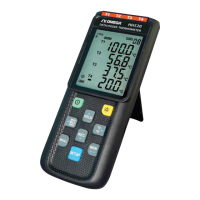
3.8 Time and Date Information
Current time and date information is available on the LCD. System time is automatically synchronized with your
computer’s clock.


 To Next Page