OMEGA OM-CP-OCTTEMP2000
Page 10
To view time and date information from the Home Screen:
1. Press to enter the Main Menu
2. Use to highlight Clock
3. Press to select Clock and view time and date information
3.9 Manual (Push-button) Start
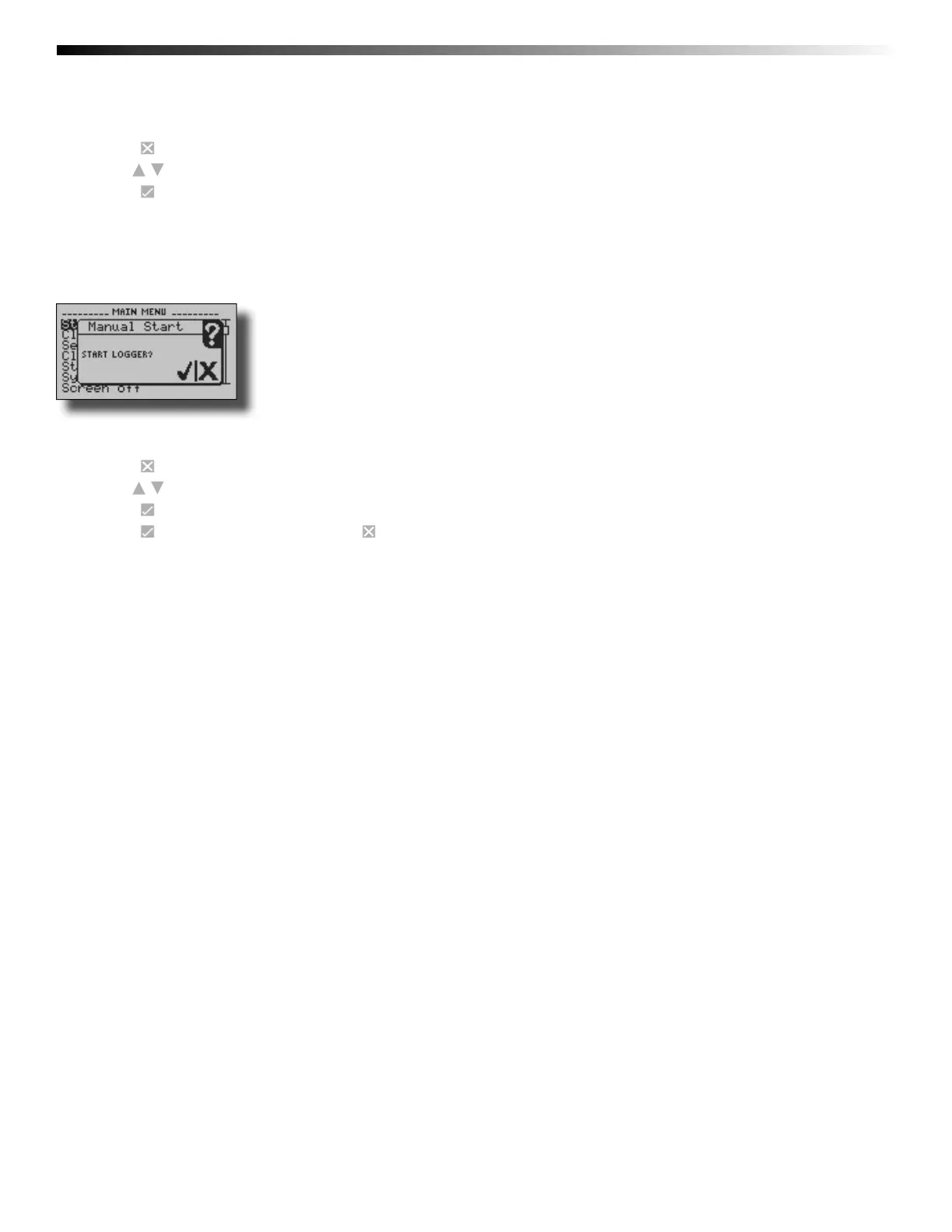
Devices set to start in Manual (Push-button) mode can be started through the device’s display screens at the user’s
convenience.
To manually start device from the Home Screen:
1. Press to enter the Main Menu
2. Use to highlight Start Device
3. Press to select Start Device
4. Press to confi rm device start, press to cancel


 To Next Page