OMEGA OM-CP-OCTTEMP2000
Page 14
5.2 Name Channels
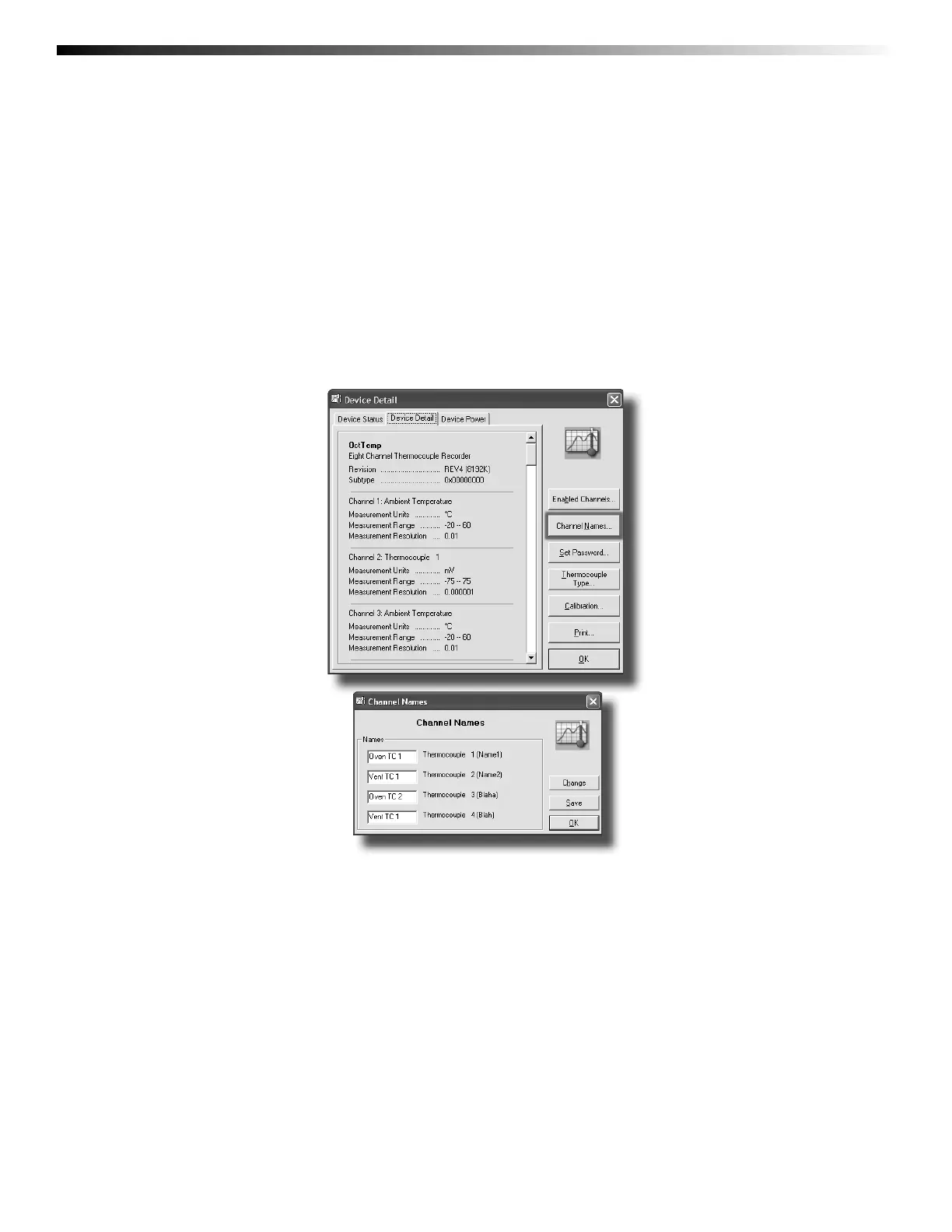
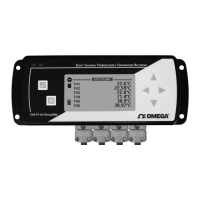
Each channel can be given an unique name for easy identifi cation. Channel names are visible on the LCD and are used
throughout the software and data fi les.
To name channels in the software:
1. In the Device drop down menu select Identify Device and Read Status to view the Device Status screen
2. Select the Device Detail tab
3. Click Channel Names to show the Channel Names Screen
4. To edit the channel names click Change
5. Type desired channel name in text box next to each channel
6. Click Save to save changes
7. Click OK to return to the Device Detail screen
8. Click OK to return to the software’s main screen


 To Next Page