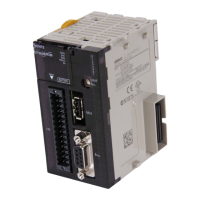
Mount the PROFIBUS Slave Unit to the NJ-series con-
troller (See 2-2-2 Mounting) installing the CJ1W-
PRM21 Unit.
Select a unique Machine Number (0 - 95) for the Unit
using the rotary switch on the front of the Unit (See
section 2-1-3 Switch Settings)
Connect the PROFIBUS Slave unit to the PROFIBUS
network (See section 2-3 Network Installation).
Switch ON the power supply for the CPU. Configure
the CPU and allocate the Unit in Sysmac Studio. Refer
to NJ-series CPU Unit Software User’s Manual (Cat.
No. W501).
Configure the PROFIBUS Slave Unit using CX-Config-
uratorFDT on the PC (See sections 1-2 Configuring
the CJ1W-PRT21 Slave Unit).
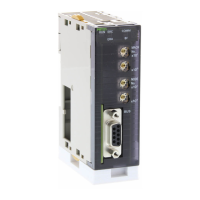
Download configuration data to PROFIBUS Master
Unit. (See CJ-series PROFIBUS Master Unit Opera-
tion Manual for NJ-series CPU Unit, Cat. No. W509).
PROFIBUS DP starts communicating confirmed by the
COMM indicator continuously lit. Check status of other
indicators (See sections 4-1-1 Determining Operating
Status from the Indicators).












 To Next Page