4 Troubleshooting and Maintenance
4-2
CJ-series PROFIBUS Slave Unit Operation Manual for NJ-series CPU Unit (W510)
4-1 Error Indicators
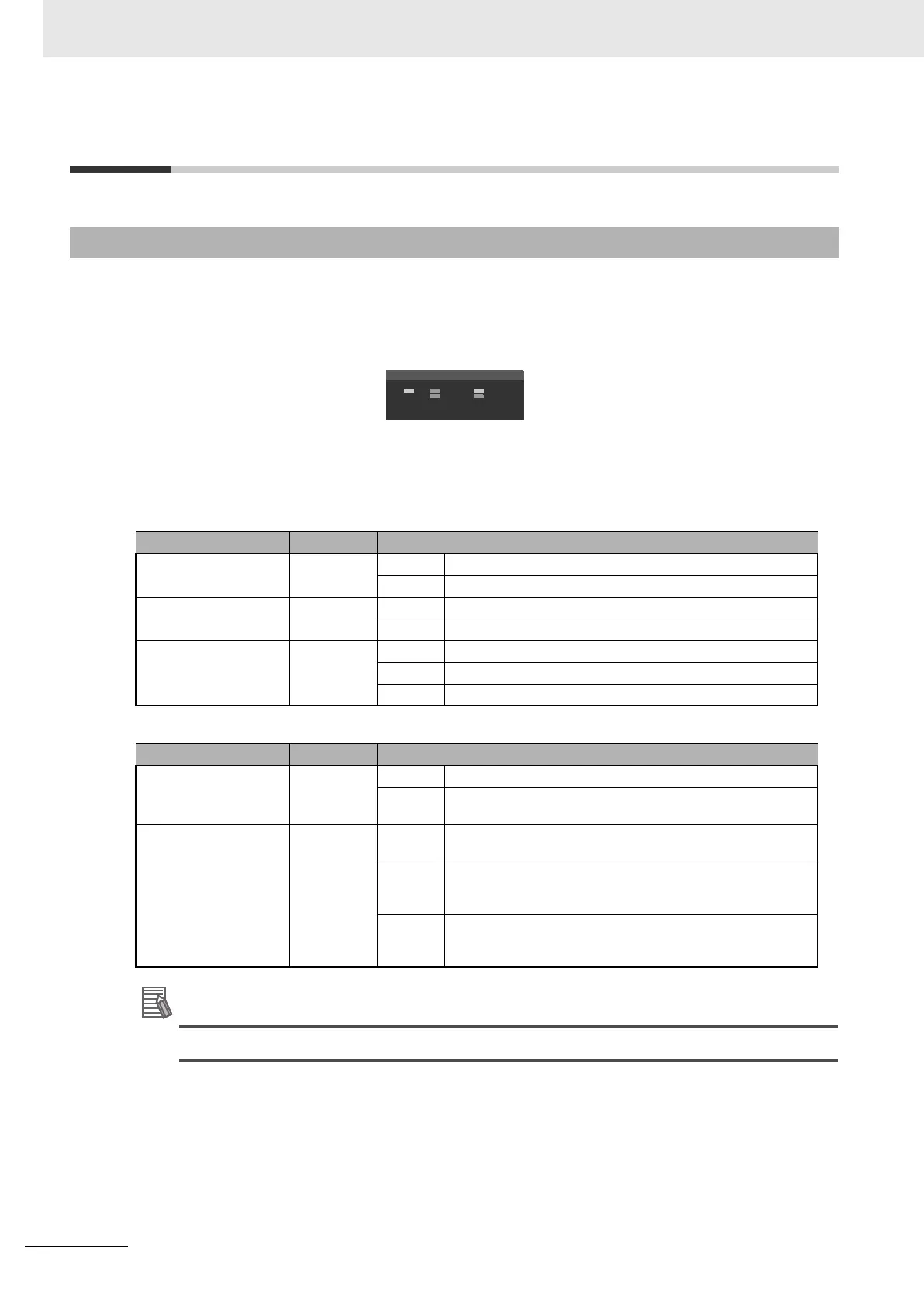
The CJ1W-PRT21 Unit uses 5 indicators (RUN, ERC, ERH, BF, and COM) to indicate the status of Unit
and network communications. The indicators can provide a clue for quick resolution of system prob-
lems.
The general descriptions of these indicators are described in the tables below.
The RUN, ERC and ERC indicators depict the status of the CJ1W-PRT21 Unit communication with the
Host CPU unit.
The BF and COMM indicators depict the status of the PROFIBUS-DP interface.
Blink frequency of indicators is 1 Hz under normal operating conditions (50% duty cycle).
4-1-1 Determining Operating Status from the Indicators
Indicator Color Status
RUN Green OFF The Unit is not in operation.
ON The Unit is in operation.
ERC Red OFF The Unit is normal.
ON The Unit has an operational failure.
ERH Red OFF The CPU is normal.
BLINK Communication with the Host CPU has stopped
ON The CPU has an operational failure.
Indicator Color Status
COMM Green OFF No PROFIBUS-DP Data exchange communication
ON I/O data exchange on PROFIBUS-DP is active (see
*_DatXchgActSta setting).
BF Red OFF No PROFIBUS-DP communication errors, Set_Prm and Chk_Cfg
telegrams have been accepted.
BLINK The unit communicates with a master, but is not in data exchange
mode. Either the Set_Prm or the Chk_Cfg telegram contained
incorrect data.
ON Response monitoring time has elapsed. The master did not
address CJ1W-PRT21 within the configured watchdog time, or no
master was present after power-on (COMM indicator will be OFF).












 To Next Page