83
Installing the Support Tool Section 6-1
Installing the Support
Tool
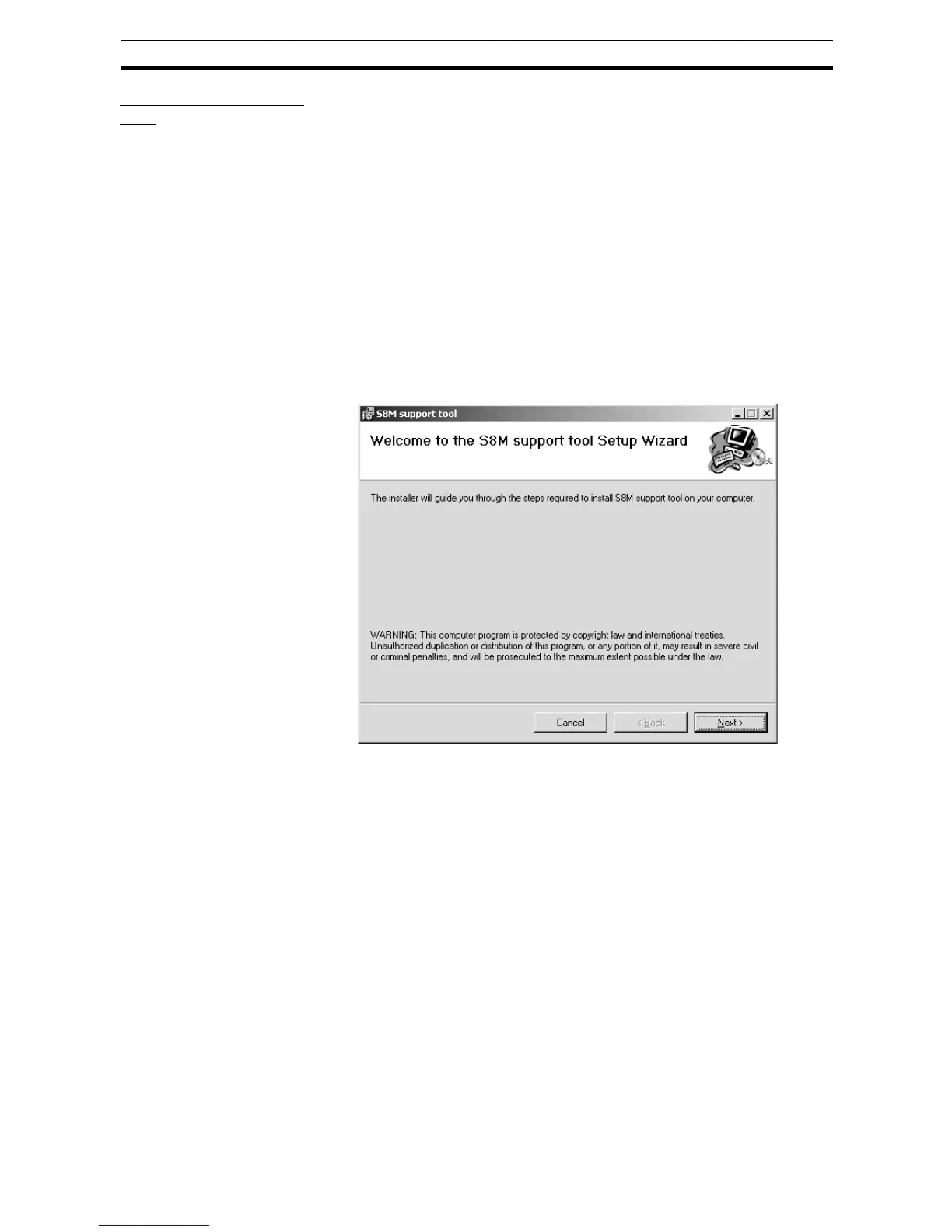
1,2,3... 1. From the OMRON website, download the S8M_SUPPORT_TOOL-EN.exe
and S8M_SUPPORT_TOOL-EN.msi files, move them to the desktop, and
double-click the S8M_SUPPORT_TOOL-EN.exe file.
The installation method depends on the environment:
Environment other than .Net Framework 1.1:
Double-click S8M_SUPPORT_TOOL-EN.exe.
Net Framework 1.1 environment:
Double-click S8M_SUPPORT_TOOL-EN.msi.
When the S8M Support Tool has already been installed and you are install-
ing again to repair or upgrade the software, use the Windows Add/Remove
Programs function to uninstall the existing program before installing the
new program.
It isn't necessary to uninstall .NET Framework 1.1.
Click the OK Button to start the installation.
2. Follow the menu directions and click the Next Button to complete the in-
stallation.



 To Next Page