26
4.4.4 Setting the Laser Power
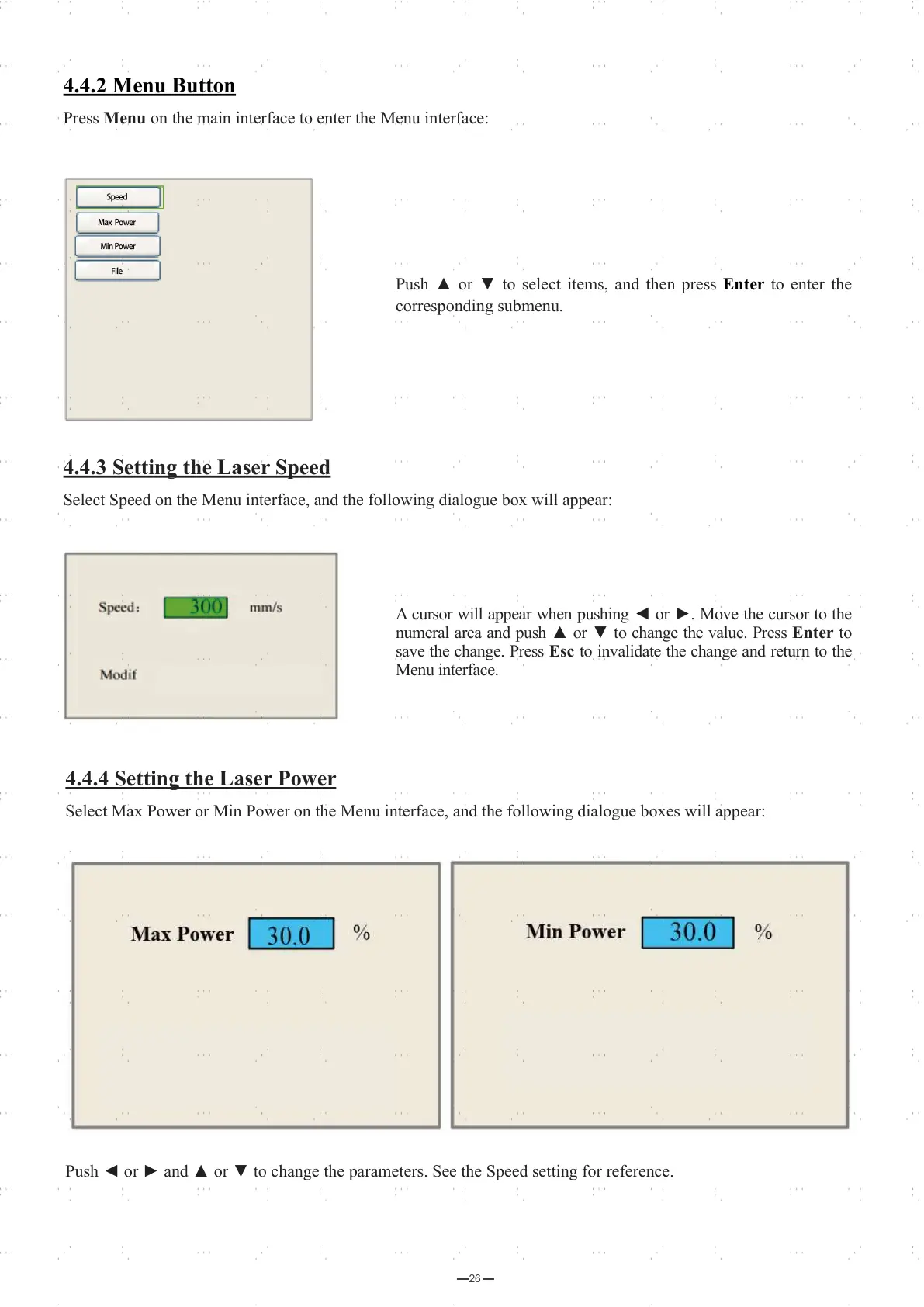
Select Max Power or Min Power on the Menu interface, and the following dialogue boxes will appear:
Push ◄ or ► and ▲ or ▼ to change the parameters. See the Speed setting for reference.
4.4.2 Menu Button
Press Menu on the main interface to enter the Menu interface:
4.4.3 Setting the Laser Speed
Select Speed on the Menu interface, and the following dialogue box will appear:
A cursor will appear when pushing ◄ or ►. Move the cursor to the
numeral area and push ▲ or ▼ to change the value. Press Enter to
save the change. Press Esc to invalidate the change and return to the
Menu interface.
Push ▲ or ▼ to select items, and then press Enter to enter the
corresponding submenu.



 To Next Page