33
4.4.20 Setting the Machine's IP Address
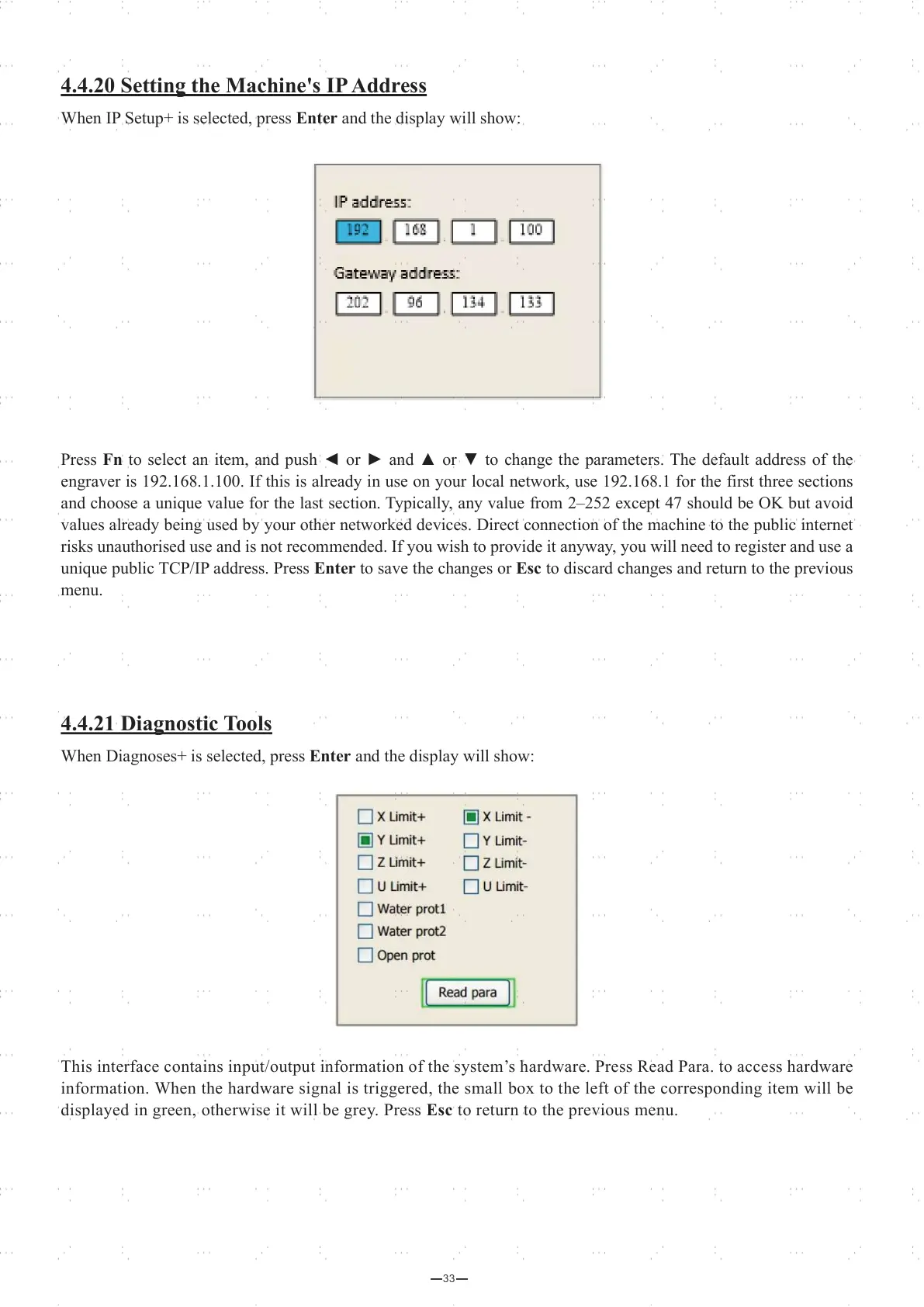
When IP Setup+ is selected, press Enter and the display will show:
Press Fn to select an item, and push ◄ or ► and ▲ or ▼ to change the parameters. The default address of the
engraver is 192.168.1.100. If this is already in use on your local network, use 192.168.1 for the first three sections
and choose a unique value for the last section. Typically, any value from 2–252 except 47 should be OK but avoid
values already being used by your other networked devices. Direct connection of the machine to the public internet
risks unauthorised use and is not recommended. If you wish to provide it anyway, you will need to register and use a
unique public TCP/IP address. Press Enter to save the changes or Esc to discard changes and return to the previous
menu.
4.4.21 Diagnostic Tools
When Diagnoses+ is selected, press Enter and the display will show:
This interface contains input/output information of the system’s hardware. Press Read Para. to access hardware
information. When the hardware signal is triggered, the small box to the left of the corresponding item will be
displayed in green, otherwise it will be grey. Press Esc to return to the previous menu.



 To Next Page