34
4.4.22 Setting the Screen Reference
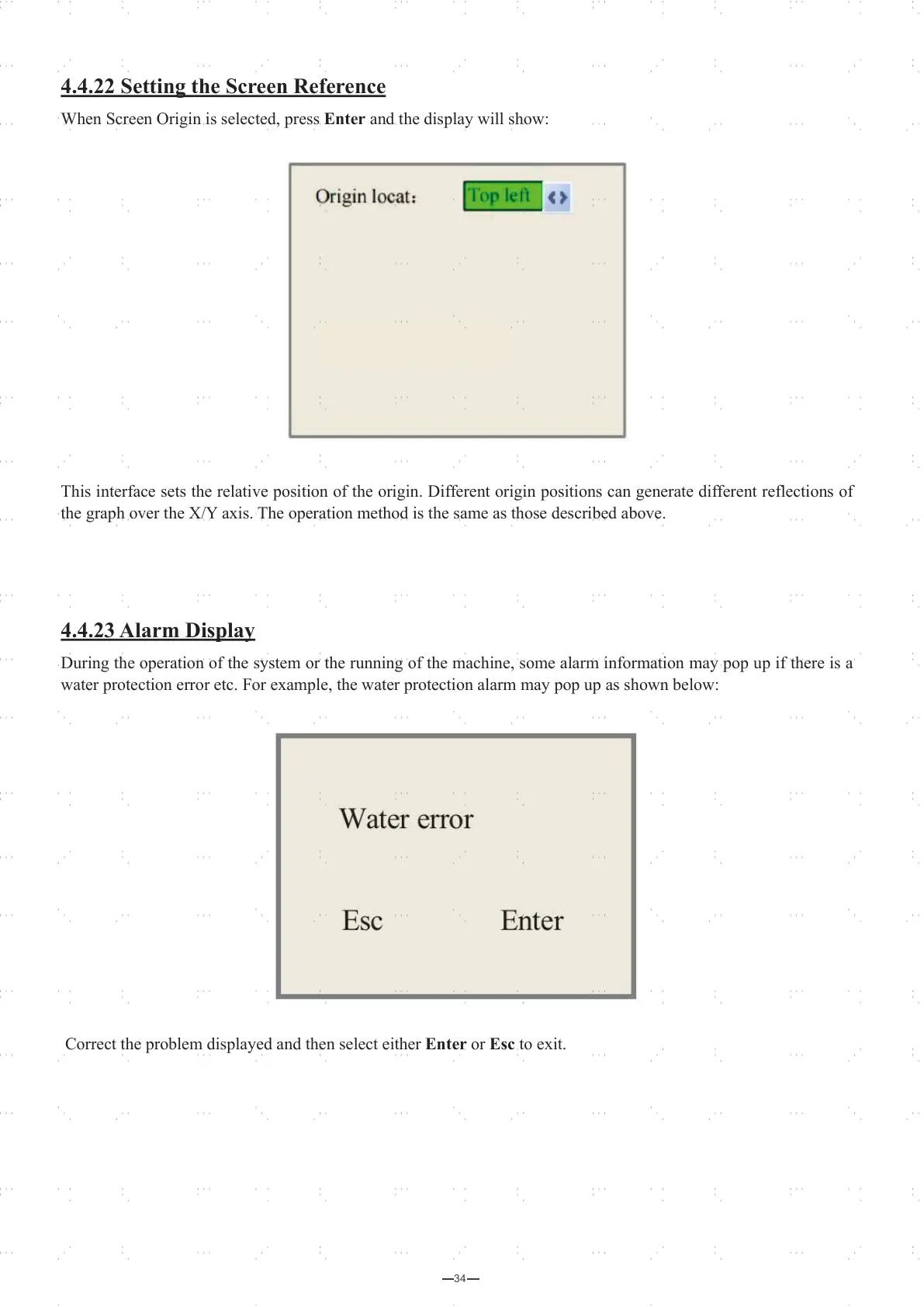
When Screen Origin is selected, press Enter and the display will show:
This interface sets the relative position of the origin. Different origin positions can generate different reflections of
the graph over the X/Y axis. The operation method is the same as those described above.
4.4.23 Alarm Display
During the operation of the system or the running of the machine, some alarm information may pop up if there is a
water protection error etc. For example, the water protection alarm may pop up as shown below:
Correct the problem displayed and then select either Enter or Esc to exit.



 To Next Page