37
NEVER use a cleaning tissue twice. Dust accumulated in the cleaning tissue could scratch the lens surface.
12. Examine the lens. If it is still dirty, repeat the cleaning process above until the lens is clean. Do not touch the surface
of the lens after cleaning.
13. Carefully insert the lens into the lens holder, ensuring that its rounded convex side is facing upwards. Put the O-ring
on top of the lens.
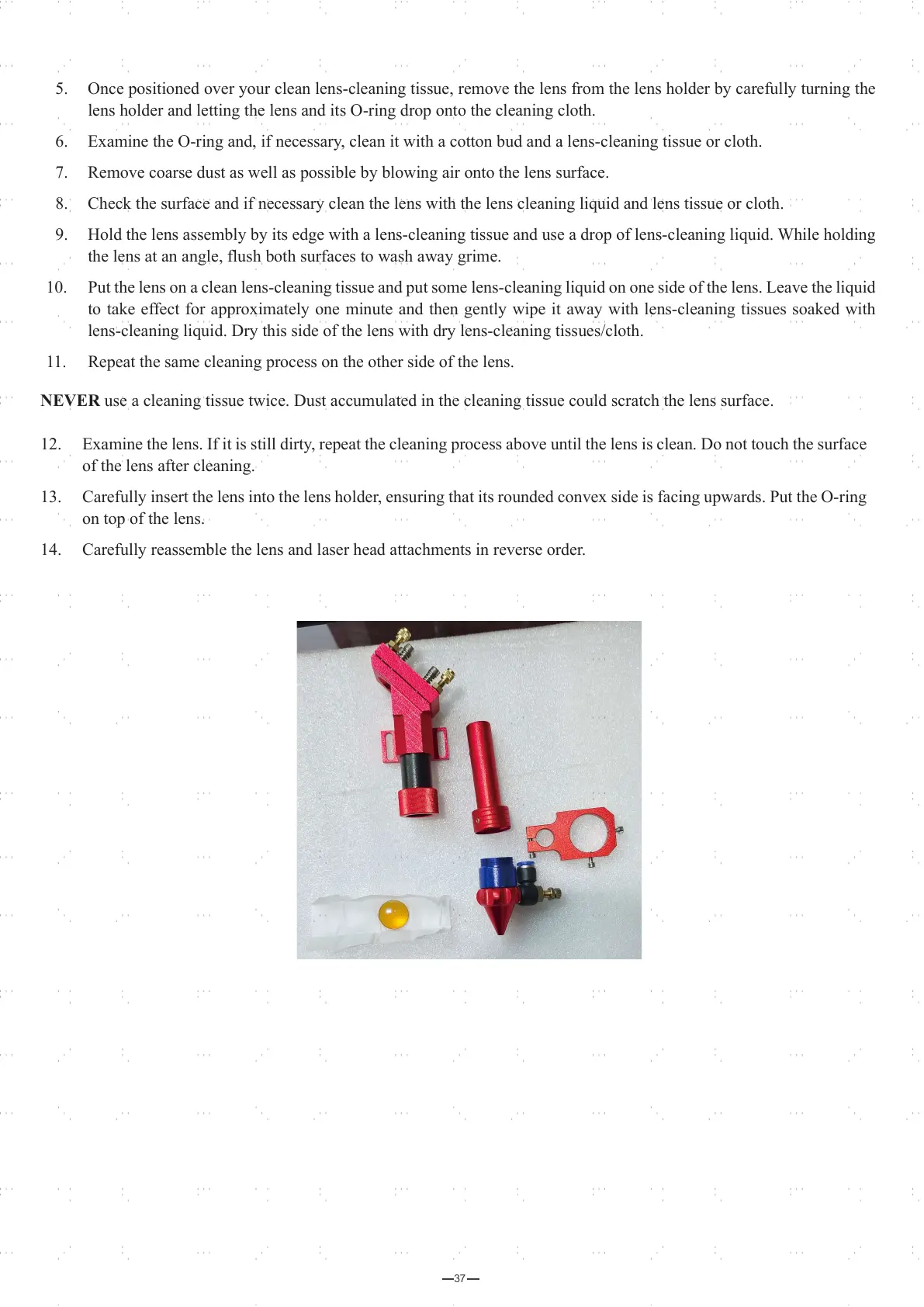
14. Carefully reassemble the lens and laser head attachments in reverse order.
5. Once positioned over your clean lens-cleaning tissue, remove the lens from the lens holder by carefully turning the
lens holder and letting the lens and its O-ring drop onto the cleaning cloth.
6. Examine the O-ring and, if necessary, clean it with a cotton bud and a lens-cleaning tissue or cloth.
7. Remove coarse dust as well as possible by blowing air onto the lens surface.
8. Check the surface and if necessary clean the lens with the lens cleaning liquid and lens tissue or cloth.
9. Hold the lens assembly by its edge with a lens-cleaning tissue and use a drop of lens-cleaning liquid. While holding
the lens at an angle, flush both surfaces to wash away grime.
10. Put the lens on a clean lens-cleaning tissue and put some lens-cleaning liquid on one side of the lens. Leave the liquid
to take effect for approximately one minute and then gently wipe it away with lens-cleaning tissues soaked with
lens-cleaning liquid. Dry this side of the lens with dry lens-cleaning tissues/cloth.
11. Repeat the same cleaning process on the other side of the lens.



 To Next Page