Page 11 of 31
OnCommand® Link will save your Wi-Fi hotspot information and will automatically connect to the saved
wireless network when in range. List of saved wireless networks can be viewed in ‘Saved Wireless
Devices’.
OnCommand® Link supports following wireless security protocols to connect to the local Wi-Fi hotspot.
Wireless security
protocol
Connection to Open wireless network does not need a
network key.
Wireless network that supports WEP (Wireless
Equivalent Privacy) would need a network key to
connect.
Personal wireless network that supports WPA/WPA2
(Wi-Fi protected access) would need a network key to
connect.
Enterprise wireless network that supports WPA/WPA2
(Wi-Fi protected access) would need a user id and
network key to connect.
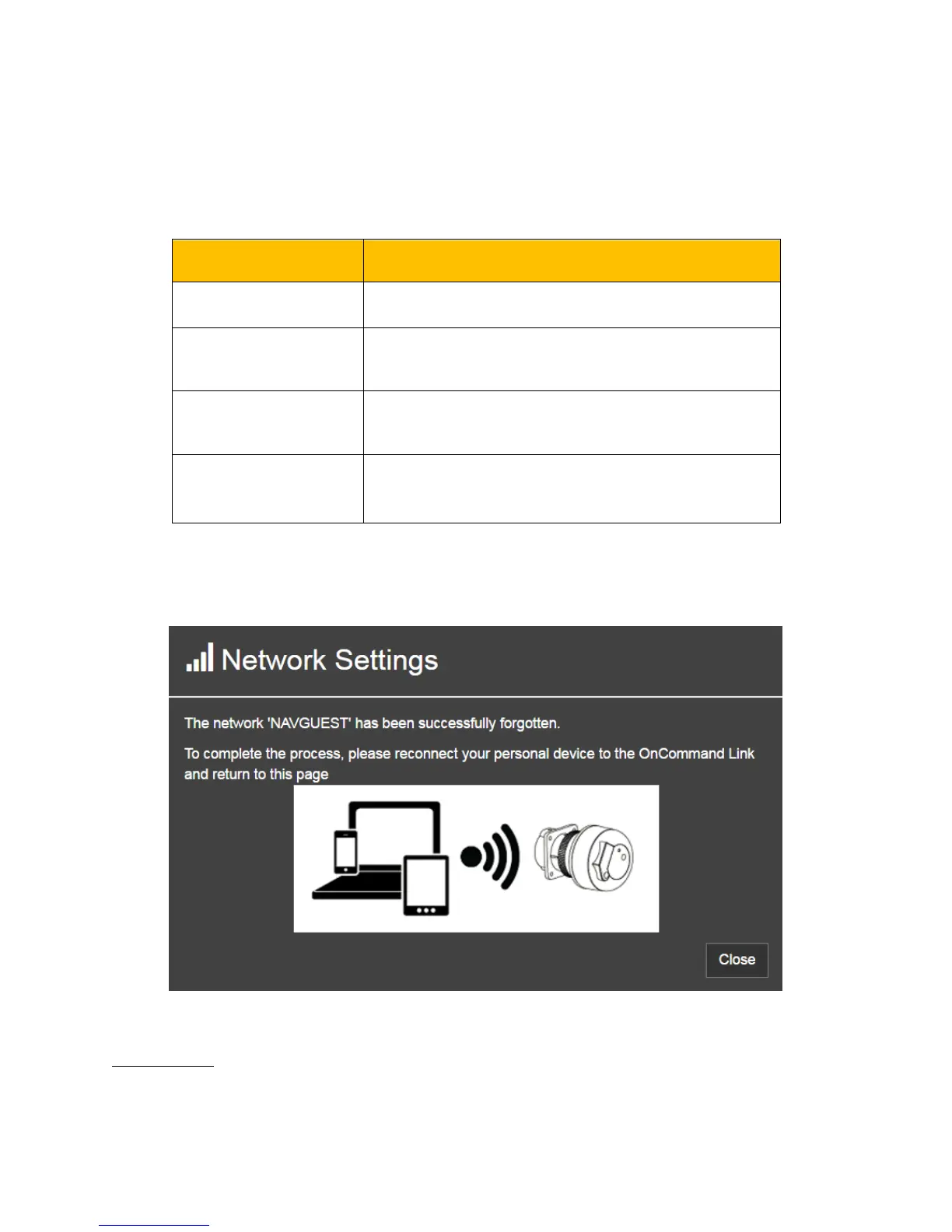
To remove a network from the saved wireless network list, select a network from saved wireless list and
click Forget ‘Network name’.
Figure 9. Forget network successful
Proxy Settings


 To Next Page