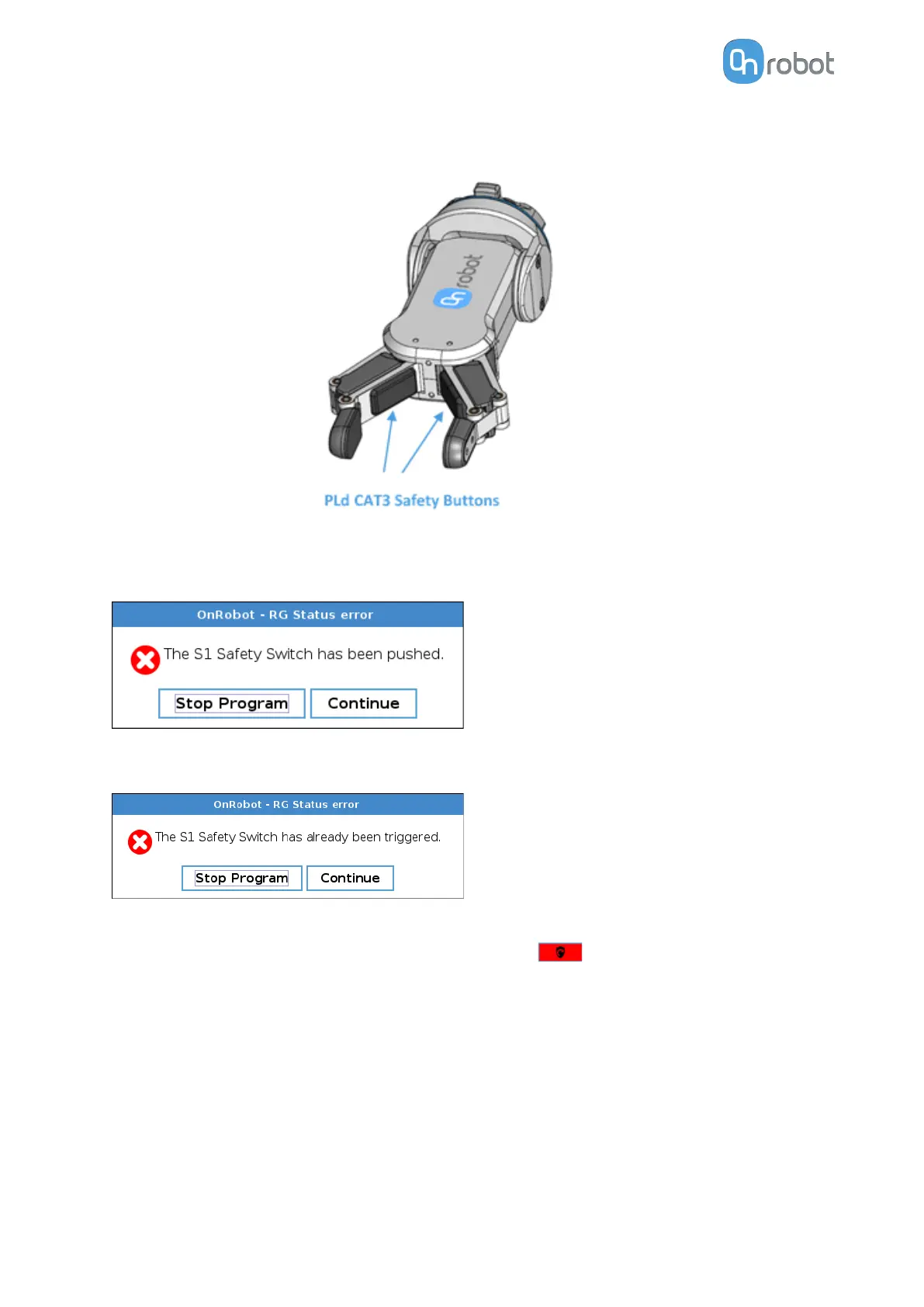
If this happens while running the robot program, the following popup dialog will be shown.
When any of the buttons in this dialog is pressed , the safety system will show the following
popup dialog.
When any of the buttons in this dialog is pressed, the robot will be unlocked.
To reinitialize the gripper, open the toolbar and press the icon. Then, robot program can
be re-started.
SAFETY
12



 To Next Page