4. The system needs to be restarted for the
changes to take eect. Tap on the Restart
button and then wait for the system to be
restarted.
4. Then the system needs to be restarted for
the changes to take eect. Tap on the
Restart button and then wait for the system
to be restarted.
5. Initialize the robot. 5. Initialize the robot.
NOTE:
For more information on the
URCap installation please refer
to UR documentation.
5.2. Uninstall Software
UR CB3
UR e-Series
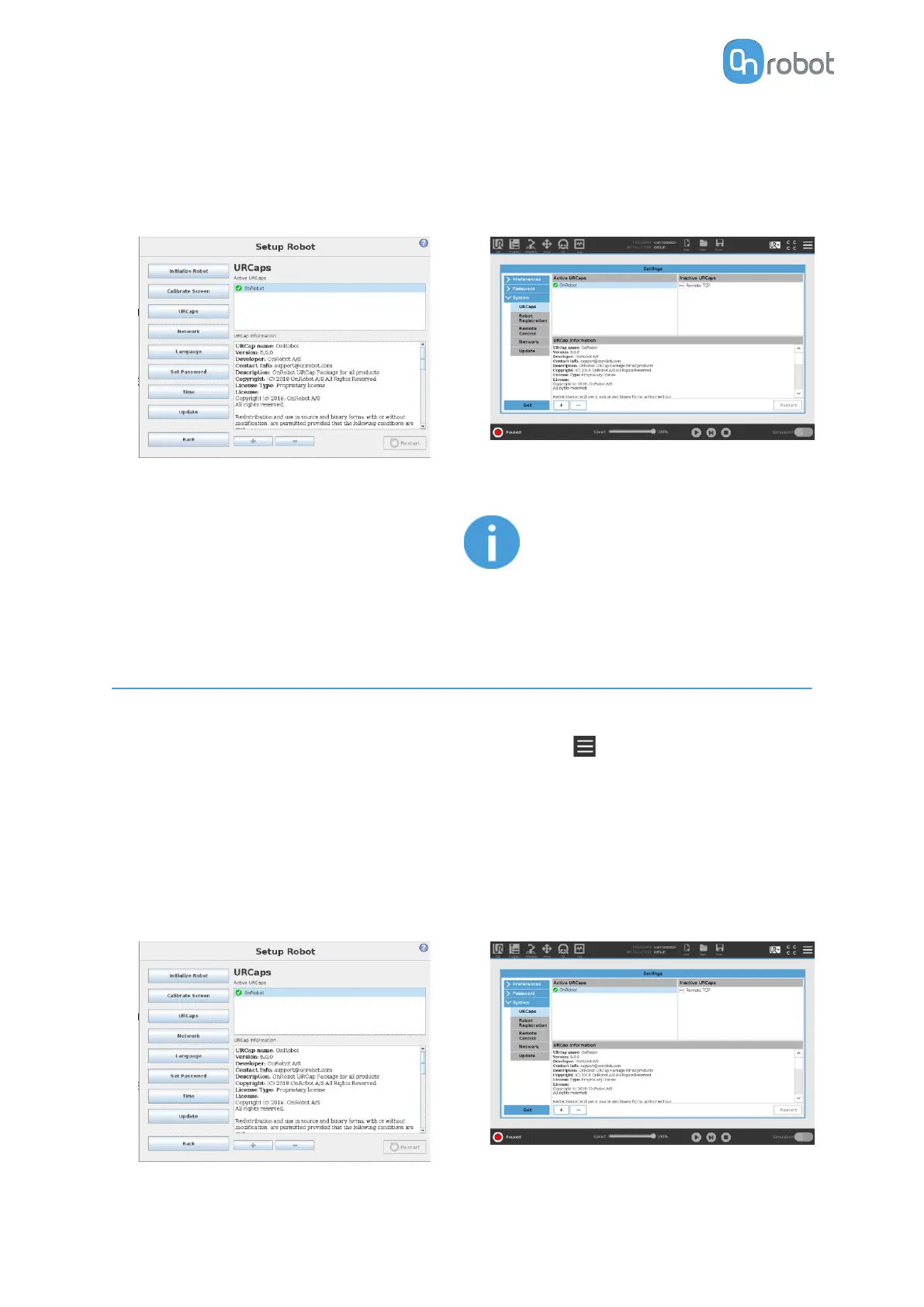
1. Select the Setup Robot option from the
main menu, then the URCaps option.
1. Tap on the menu (top right corner of the
screen), then from the System section tap
on the URCaps menu.
2. Select the OnRobot URCap file. 2. Select the OnRobot URCap file.
3. Tap on the - sign. 3. Tap on the - sign.
4. Then the system needs to be restarted for
the changes to take eect. Tap on the
Restart button and then wait for the system
to be restarted.
4. Then the system needs to be restarted for
the changes to take eect. Tap on the
Restart button and then wait for the system
to be restarted.
SW INSTALLATION
33



 To Next Page