If the force control is overreacting to changes, that is, the tool bounces o the surface, try
decreasing the P gain F and P gain T (or D gain F and D gain T, if it is above 1).
If the force control is reacting to changes too slowly, that is it keeps pushing the surface hard
after touching it, try decreasing the I Gain.
As a rule of thumb, it is recommended to use values:
P Gain < 5\
I Gain < 0.25\
D Gain < 1\
The ratio of P Gain/I Gain = 10
Values that can be used as a base for tuning are:
P Gain F =1, I Gain F = 0.1, D Gain F = 0.3
P Gain T =0.2, I Gain T = 0, D Gain T = 0
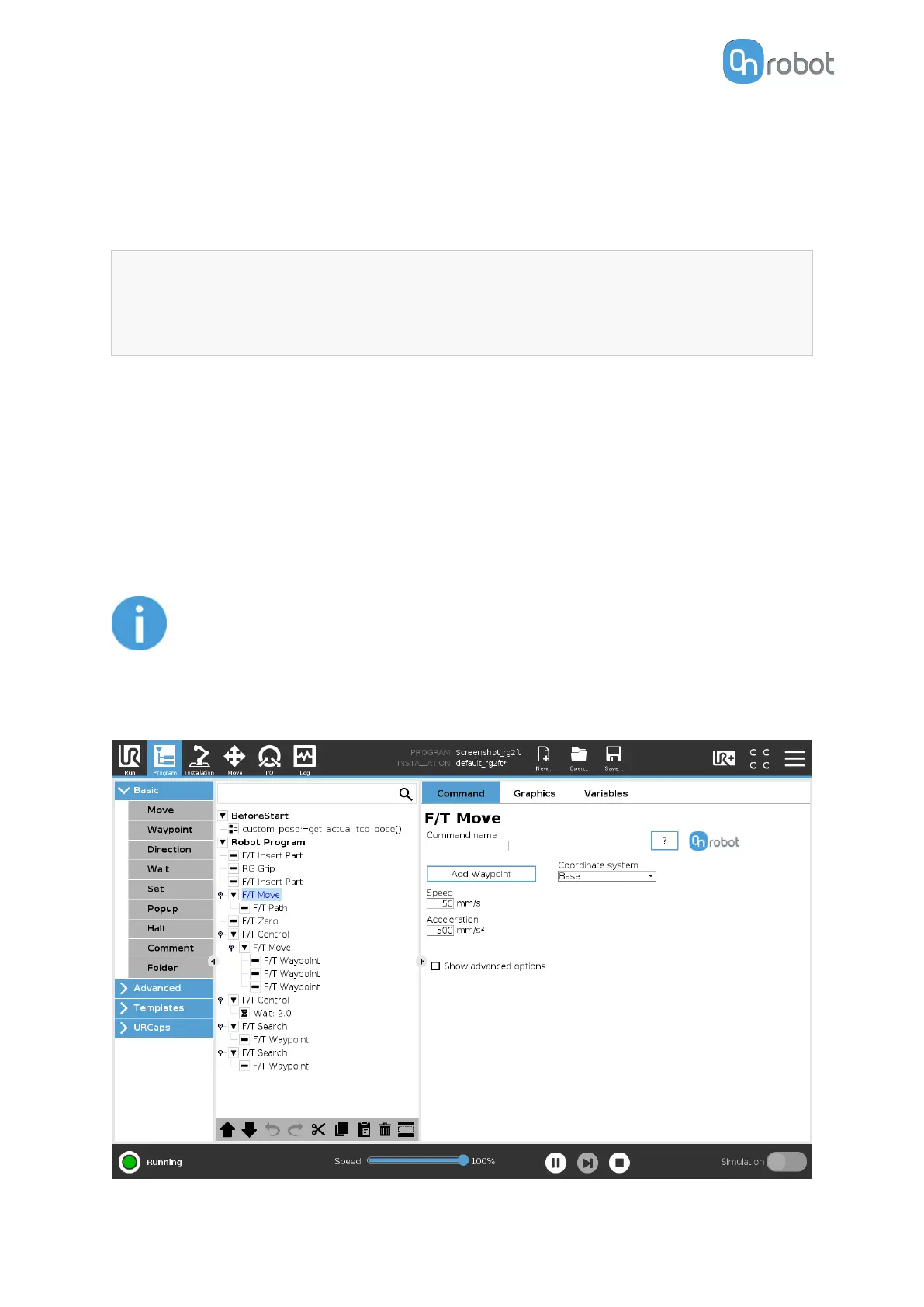
F/T Move
The F/T Move command can be used together with the F/T Waypoint, to move the robot
along a route, or together with the F/T Path to move the robot along a path and stop once
the
defined force/torque limits are reached (movement interrupted). In this case a warning can
be generated. If the movement reaches the last waypoint, the move is successful.
NOTE:
To cancel any force/torque oset, execute an F/T Zero command at the
beginning of the F/T Move command and make sure the tool is not in contact
with any object before starting the F/T Move, otherwise the command may not
stop at the given force/torque limit.
OPERATION
90



 To Next Page