101
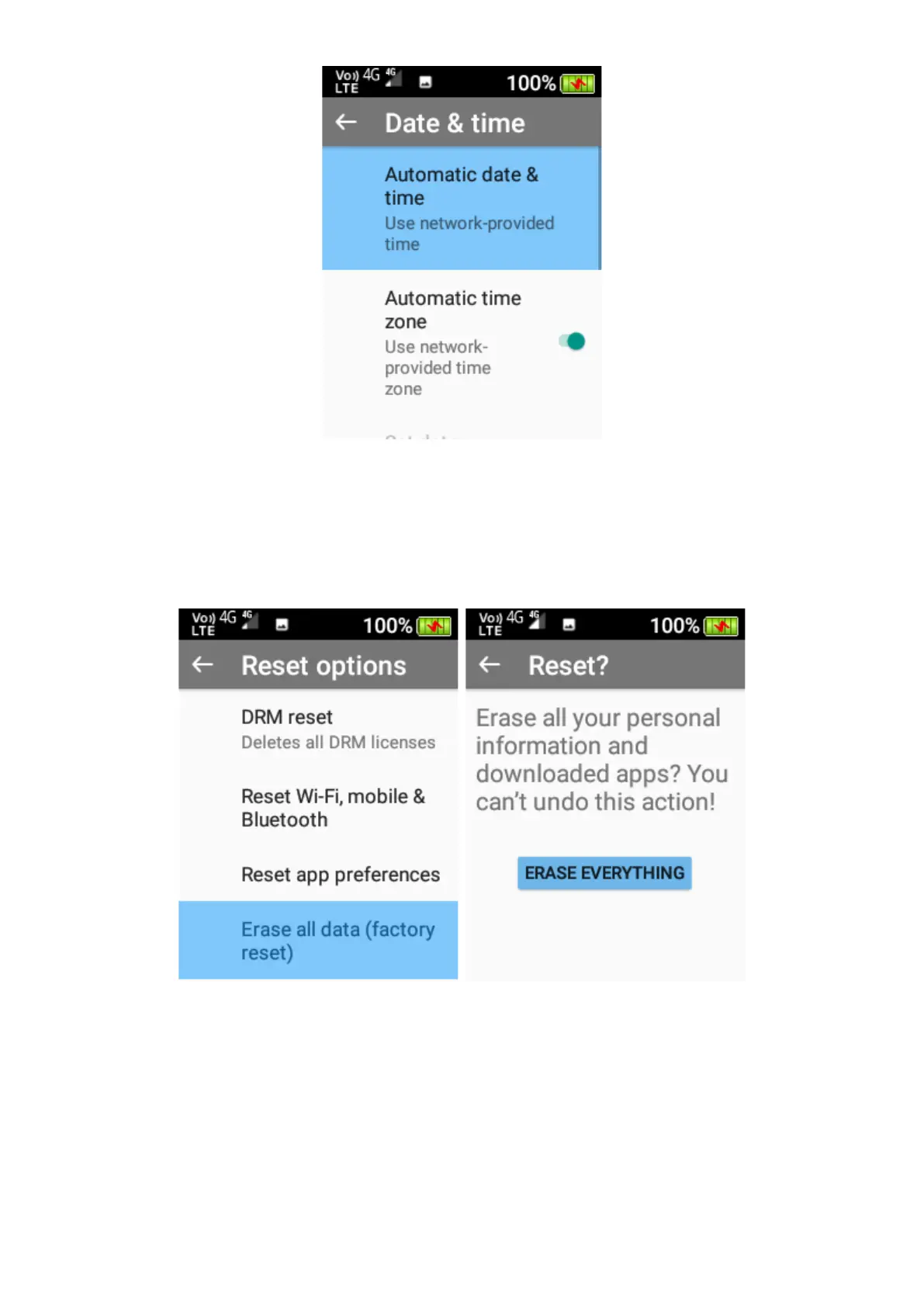
3. Reset options – Here you can reset Wi-Fi, Bluetooth and app preferences to factory
default. You are also able to Factory Reset your device which will erase all data and bring
the phone back to the orginal factory/default settings.
Please Note: Erase all data (Factory Reset) cannot be undone once selected. This
will reset and delete all information/data stored on this device.
4. About Phone – Within this function you can perform wireless updates and view the status
of the device (Battery status, Battery level, SIM Status, IMEI Information, IP Address, Wi-
Fi MAC address, Bluetooth address, Serial number and Up Time), Model, Android Version
and other versions of the phone.















 To Next Page