100
System
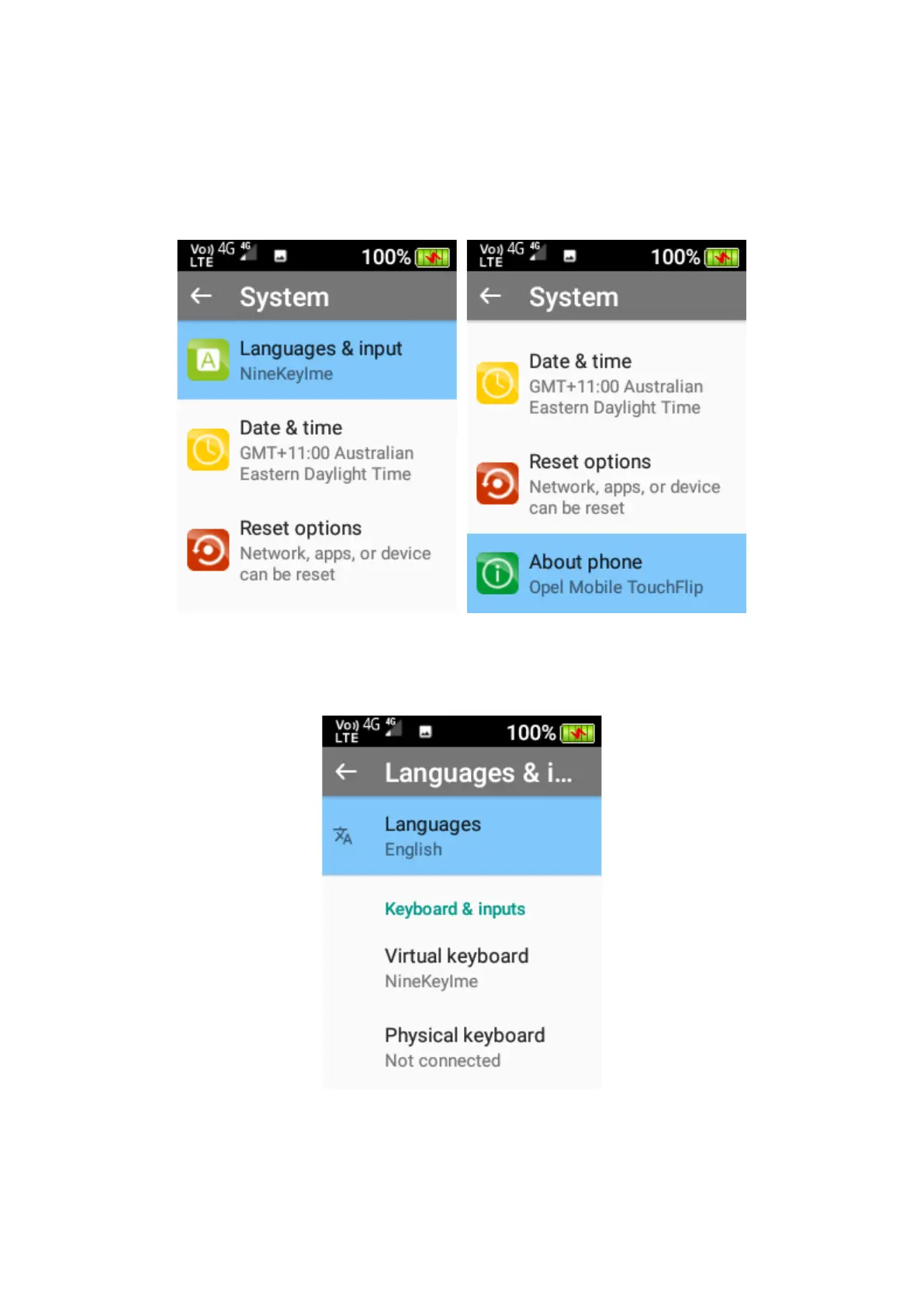
Within system, you can adjust the language and input options, date, and time settings, reset
options and view information about the phone.
1. Languages and input – Here you can change the language on your device. Press the OK
key on languages and highlight the language you wish to use then press the OK key to
confirm.
2. Date and time – Here you can turn automatic time and date settings on and off, turn
automatic time zone setting on or off, manually set the date, time, time zone and change
the time format. Press the OK key on the functions you wish to change.















 To Next Page