99
3. Show Passwords – Press the OK key on show passwords to turn this feature on or off.
Turning it off will not allow you to see passwords when you are typing them.
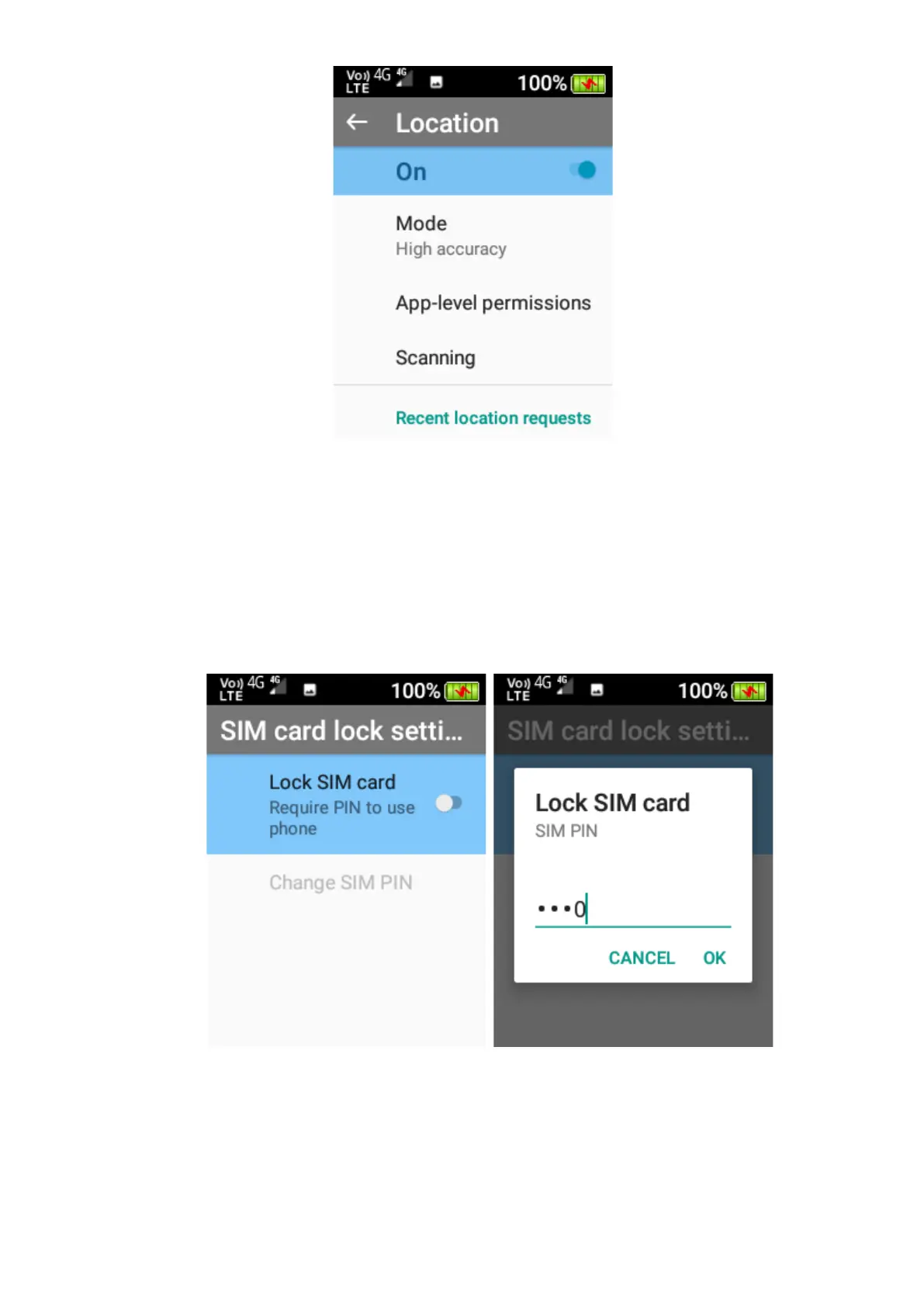
4. SIM Card Lock – Here you can turn SIM Card lock on or off. Press the OK key and type
in the password to turn this feature on and off.
Please note: your SIM card provider would have provided the SIM card lock
password when you originally received the SIM card.















 To Next Page