29
View or save the attachments of MMS messages
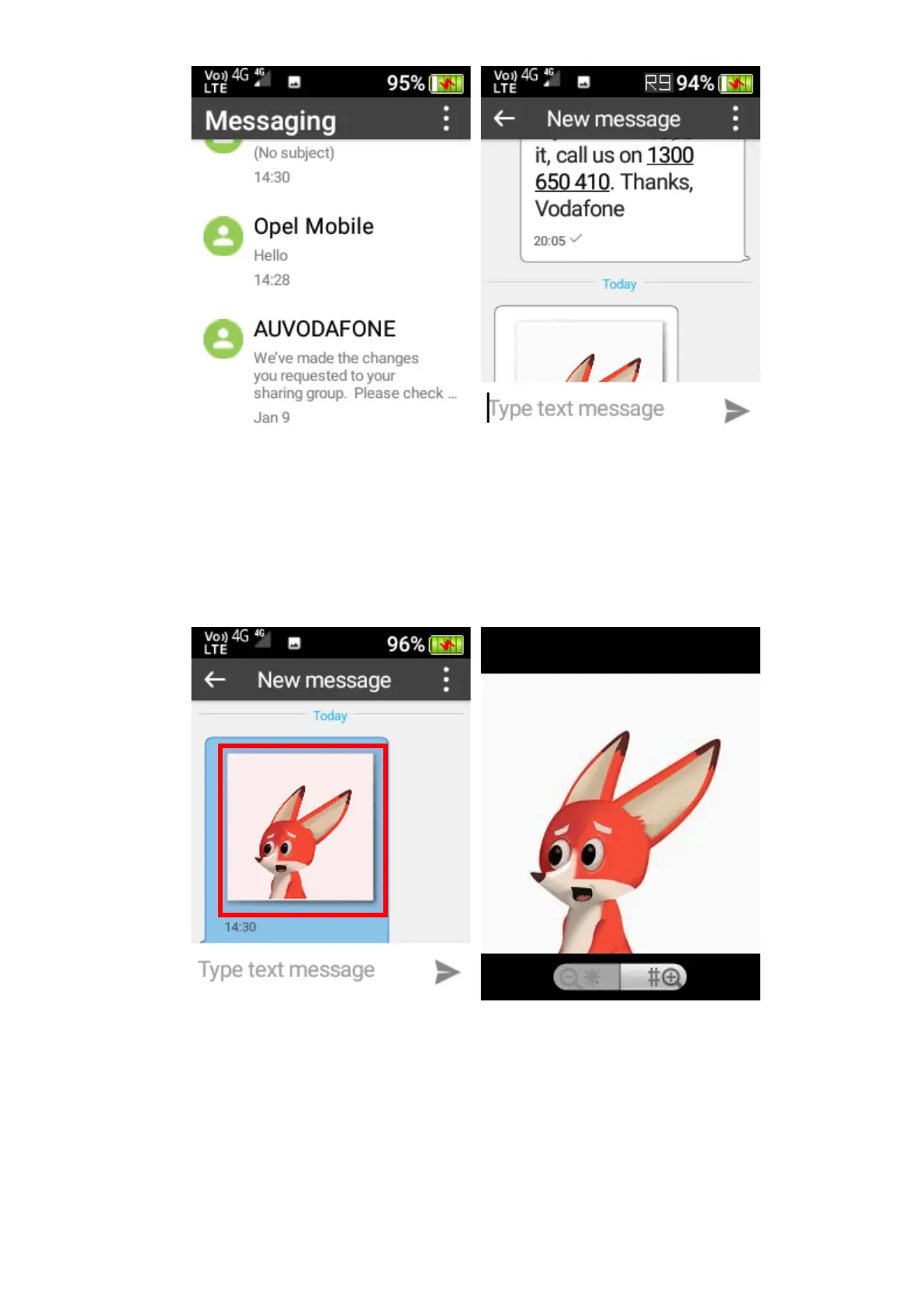
To view the image, video or audio of an MMS message that has been sent to you, open the
message that contains the item, and then touch the attachment on the screen to view it.
To save the image, video or audio of an MMS message that has been sent to you, press-and-
hold the message that contains the item using the OK key, and then select Save attachment.















 To Next Page