30
Reply messages
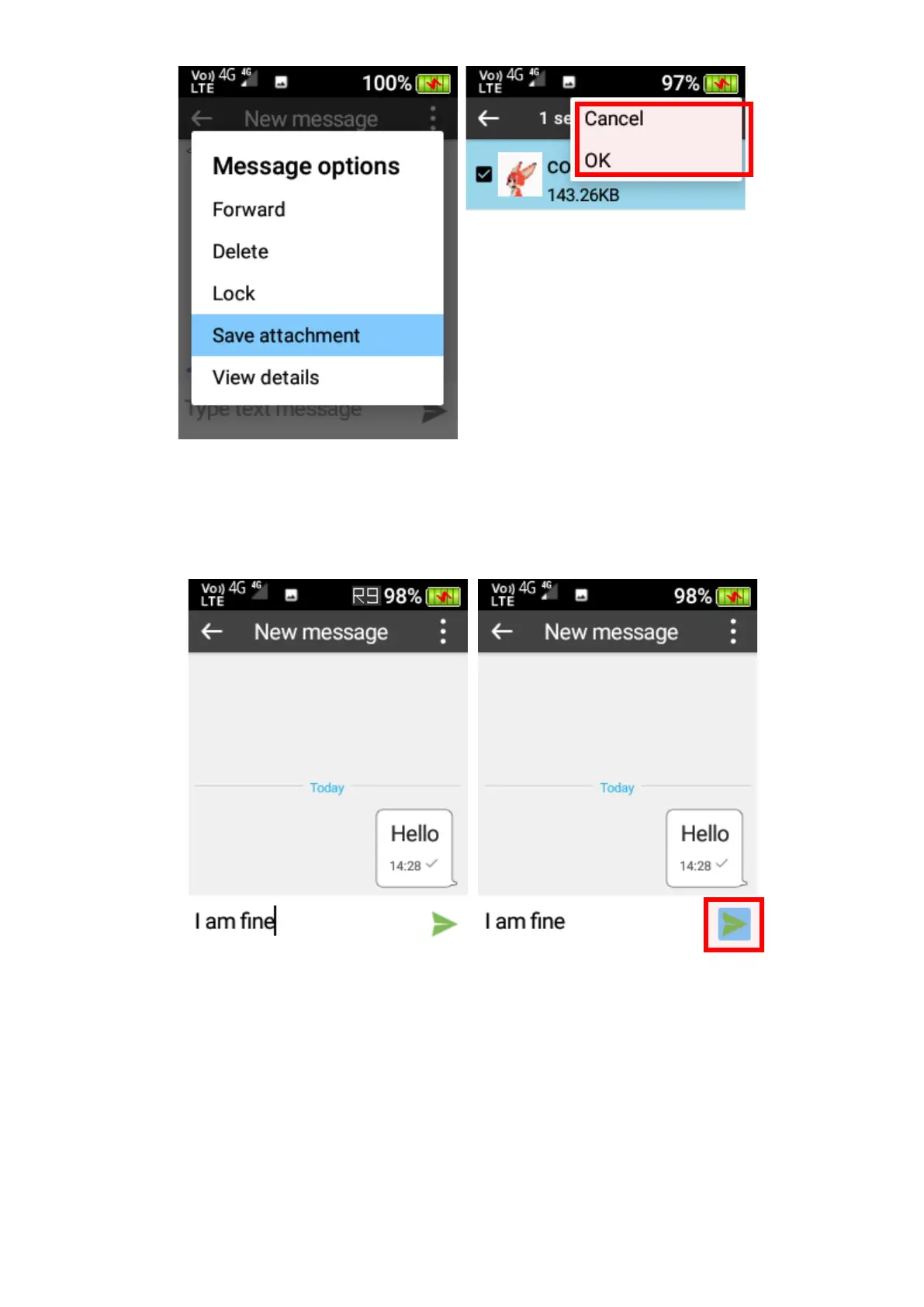
To reply to a message, scroll down to the “Type text message” box then type the message
using the keypad. Once complete use the right cursor keys to select the “Send” icon.
Forward a message
To forward a message, press-and-hold the message using the OK key to open the Message
options menu. Select “Forward” from the menu to forward it to another contact. Once complete
use the right cursor button to select the “Send” icon.















 To Next Page