57
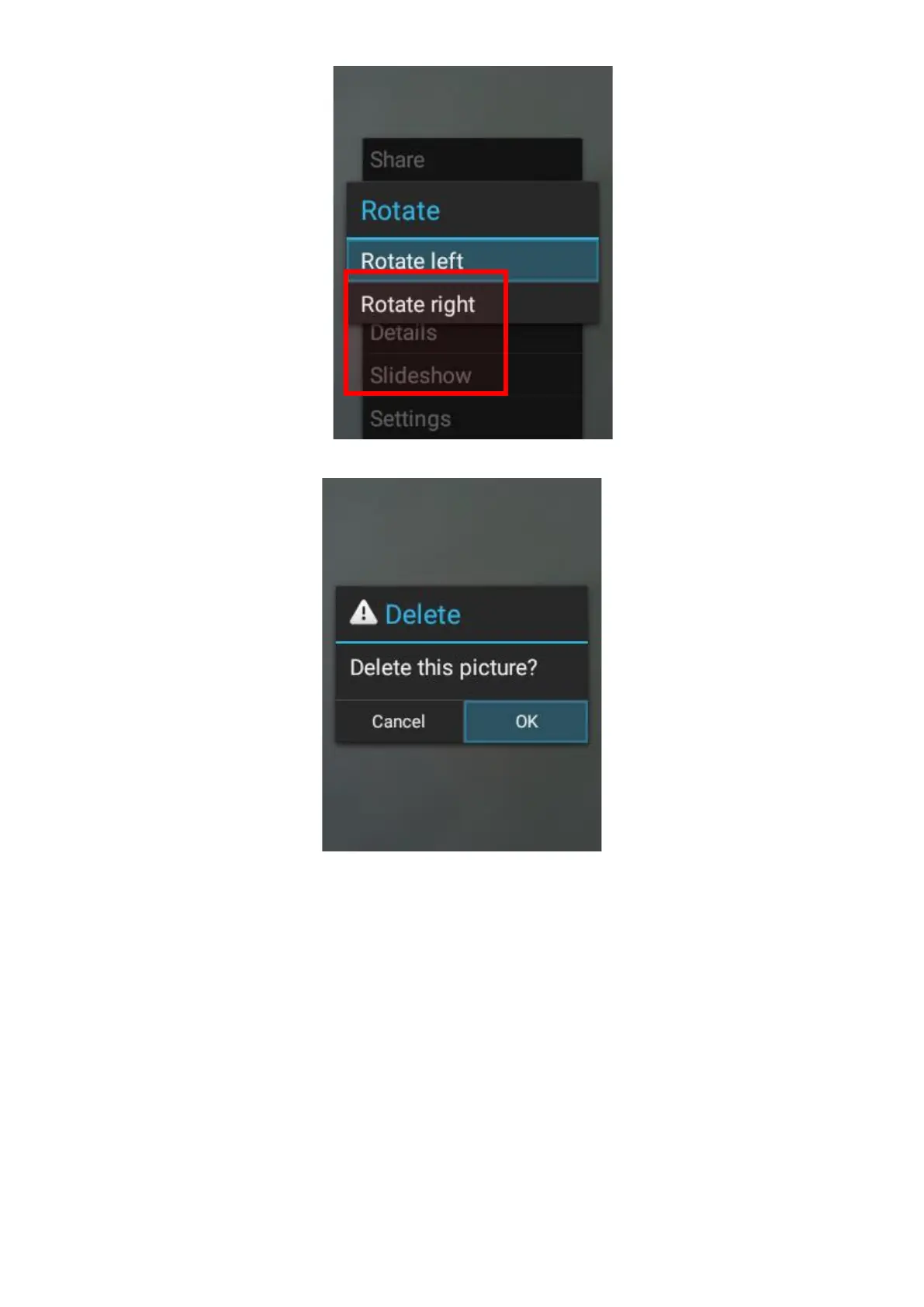
3. Delete – Delete the image from the device.
4. Crop – The cursor keys are used for moving the cropped area. The “2” and “8” number
keys are used for adjusting the top and bottom of the cropped area, and the “4” and “6”
number keys are used for adjusting the left and right side of the cropped area. Once
completed, press the OK key to save.















 To Next Page