58
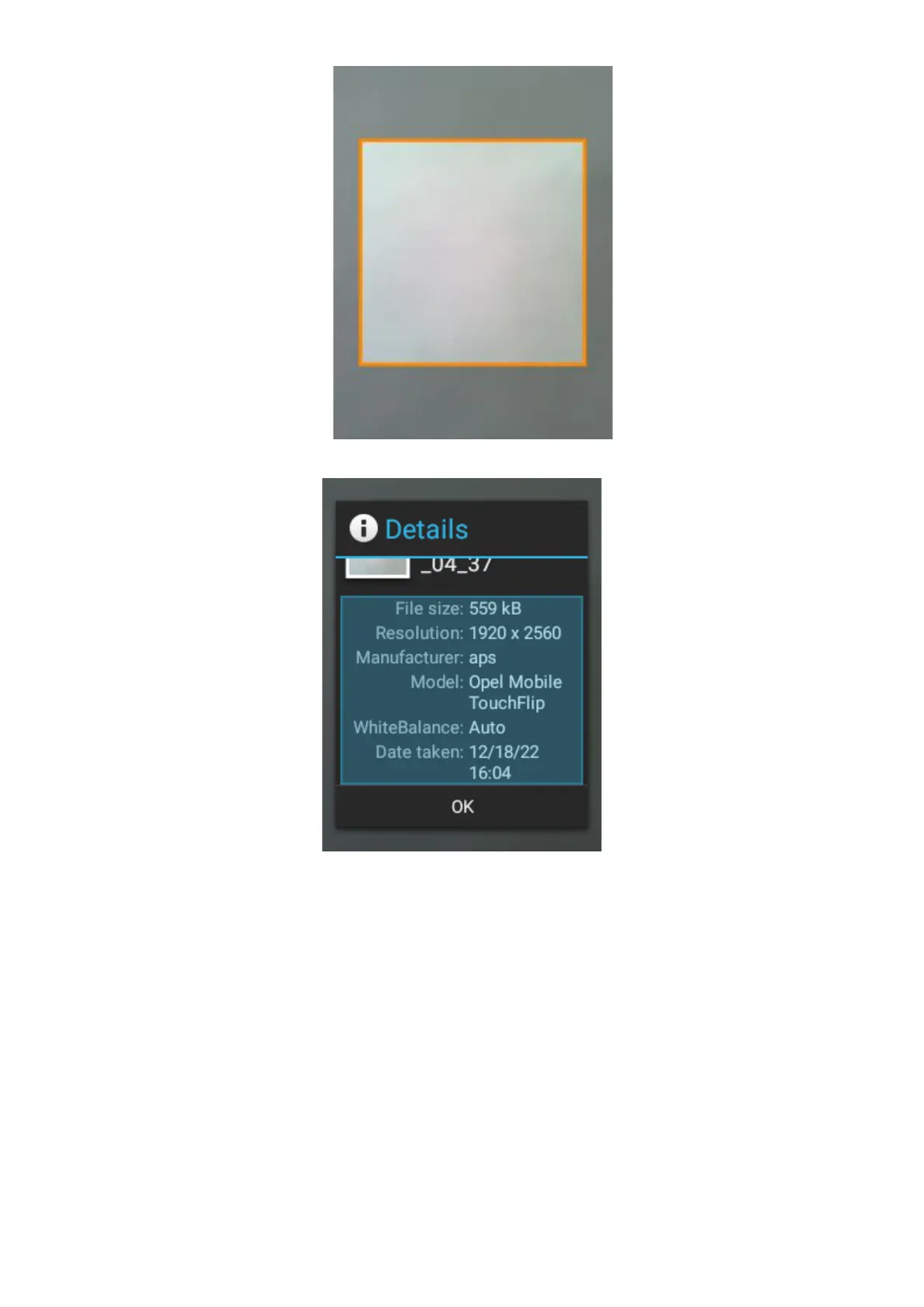
5. Details – You can view the file size, resolution and date taken of the image.
6. Slideshow – Selecting slideshow will automatically begin to slideshow all your images and
videos.
7. Settings – Under settings you can adjust the display size of pictures and videos, change
the sort order of pictures, confirm deletion message, slideshow interval settings, slideshow
transition options, repeat slideshow options and shuffle slideshow settings.















 To Next Page