Open Technologies S.r.l.
1.9. SOFTWARE AND DRIVER INSTALLATION PROCEDURE
On the internal memory of the scanner is saved the installer for the ScanWay Software. This program installs
the operational software for the scanner and the drivers needed for its operation.
To proceed with the installation start the ScanWay installer.
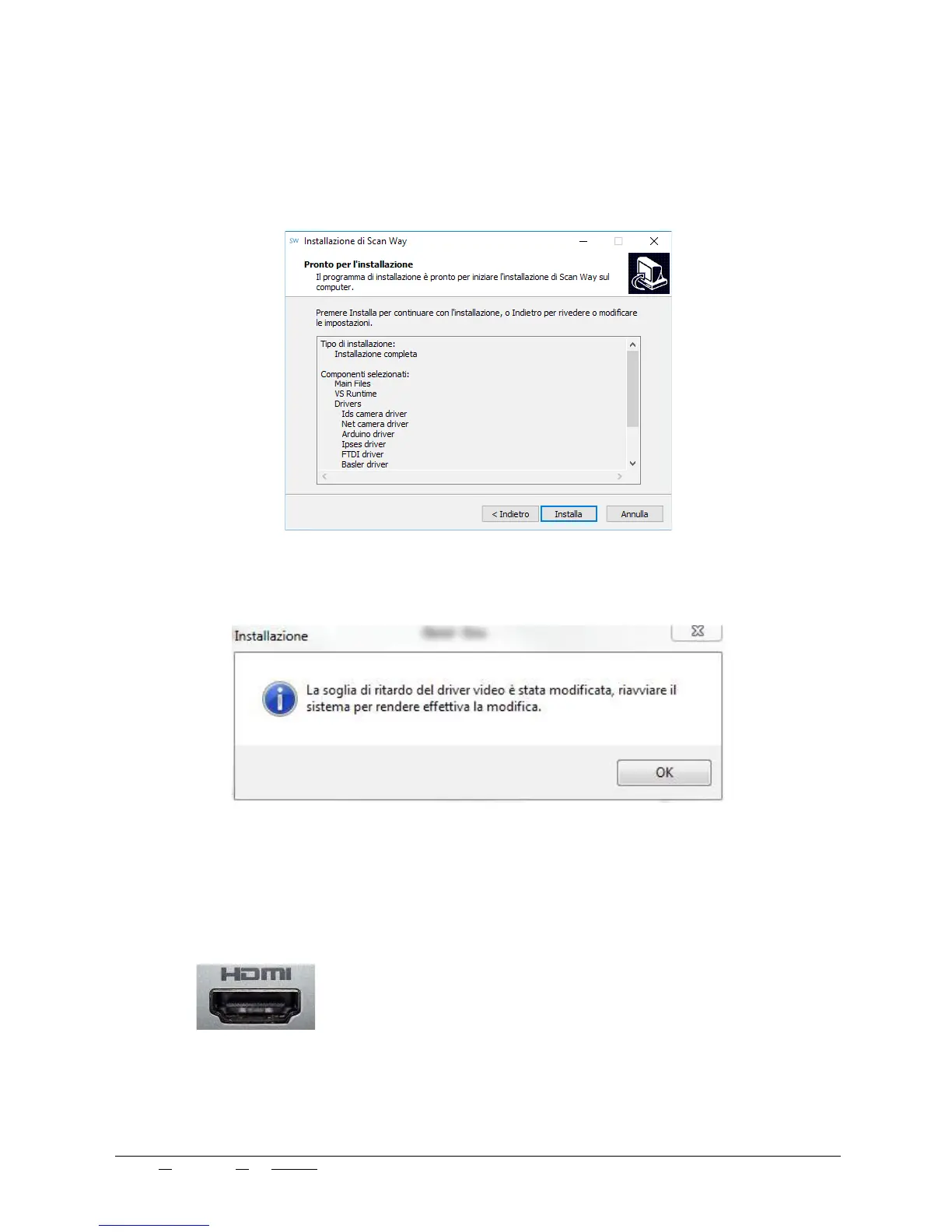
Follow the installation wizard accepting all the steps, mark all drivers for installation and click Install.
At this point the driver installation sequence is enabled (based of the previous selection), which will allow the
scanner to run. No particular interaction is needed apart from confirming the different steps.
Upon finishing the installation, a message advises on restarting the system before starting its configuration.
1.9.1 Projector
The HDMI Connector (Picture 6) must be inserted into the personal computer secondary monitor port (Pict. 7b)
this is the auxiliary monitor port in laptops or the video port furthest to the right in desktop computers.
If the monitor port is DVI see (Picture 8)
Edit N°: 00 - Rev. N°: 01 of 07/17/17 USE INSTRUCTIONS MANUAL
Nome file: NeWay User Manual 2017 rev01.odt Pag. 14 di 26



 To Next Page