Open Technologies S.r.l.
12. OPERATION
1.19. LOADING
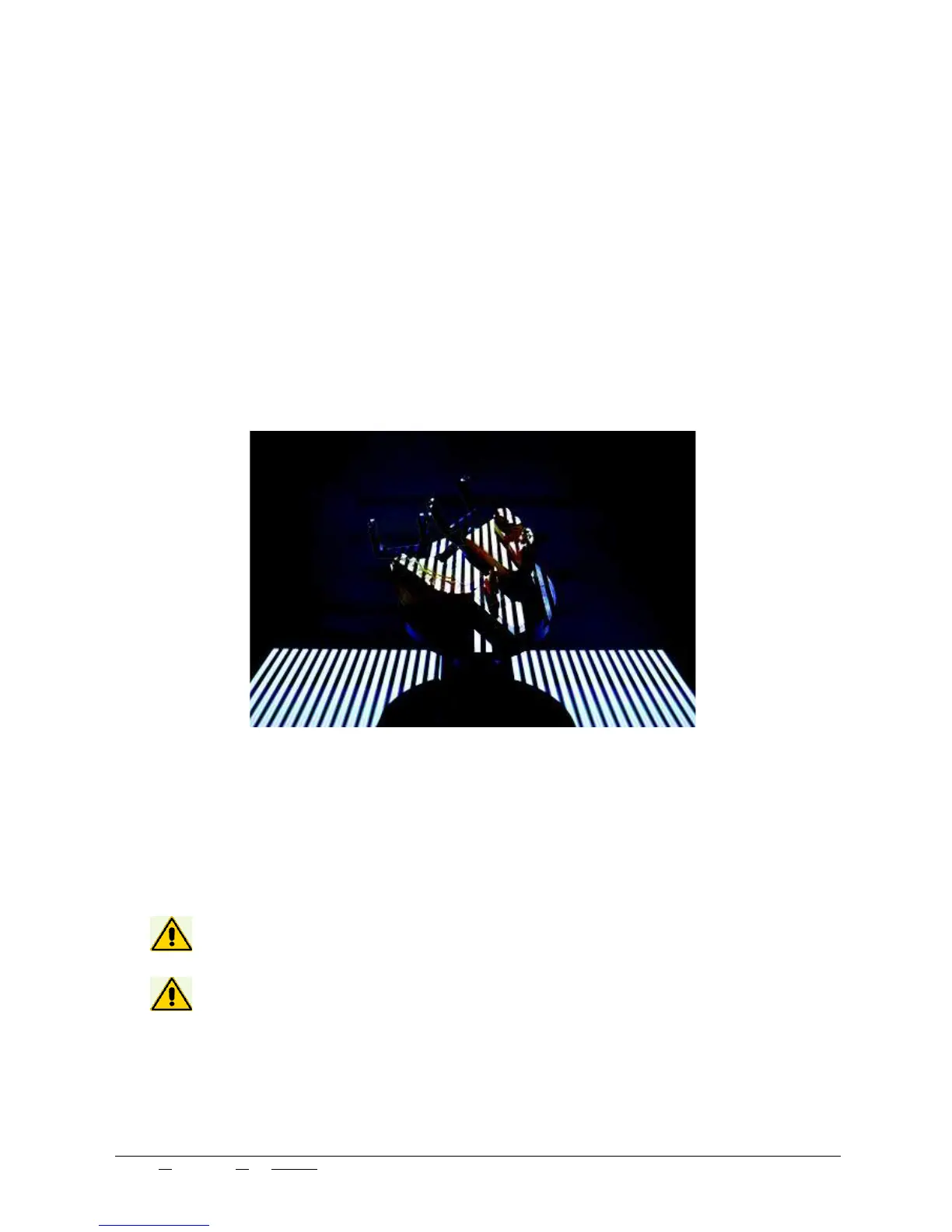
The loading operation of the objects to scan includes:
- Placing the objects inside the 3D scanner laying them carefully on the chosen model holder and attaching
said support to the magnetic clasp at the base of the scanning area.
- Make sure the object is correctly placed in the 120X100mm scanning area. The scanning area is at a hight
of 90mm from the scanner’s opening base. The model holders and provided supports are designed to grant
a correct positioning of the objects in said area. Take particular care in using the correct accessory for any
type of object.
- Scanning operations start using the management software- ScanWay.
Do not place objects heavier than 2Kg on the model holders attached to the clasp.
The scanner does not work with transparent, light reflecting objects and with black
objects.
1.20. CONTROLS DESCRIPTION
Concerning the commands and actions available in the 3DScanning manager software, please read the Soft-
ware manual attached to this User Manual.
Edit N°: 00 - Rev. N°: 01 of 07/17/17 USE INSTRUCTIONS MANUAL
Nome file: NeWay User Manual 2017 rev01.odt Pag. 18 di 26


 To Next Page