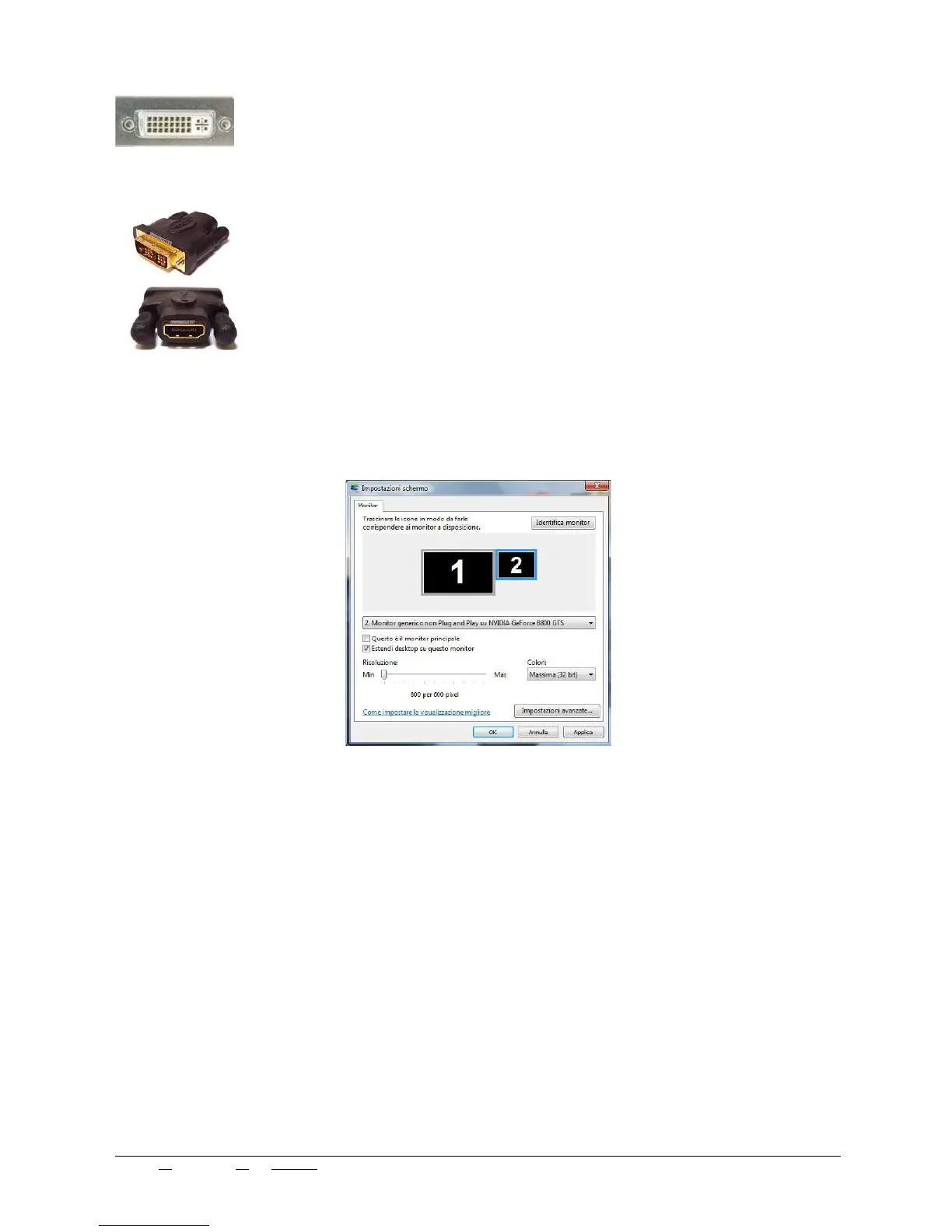
After inserting the HDMI connector you need to proceed with the secondary monitor setup:
- Open “Screen” in Windows control panel;
- select setup: the “Screen Properties” panel will have to show two monitors as in Picture 10:
If the monitors are not two, it may be necessary to restart the computer so that the the operation system
can identify the secondary monitor. If the problem persists, check that the HDMI cable is properly con -
nected to the scanner;
- Monitor “2” must show to the right of monitor “1”;
1.10. REMOVAL AND ELIMINATION OF WASTE MATERIAL
The 3D scanner does not produce any waste material.
1.11. USER’S PRECAUTIONARY MEASURES
The user must:
Keep all the fixed and moving protections, in their place,
Avoid placing any liquids on the external structure or nearby,
Avoid moving, removing or modifying manually the rotating clasp;
Check the electric switch periodically,
Use properly mounted sockets and do not use damaged or worn out cables;
Make sure the machine is unplugged before moving it;
Edit N°: 00 - Rev. N°: 01 of 07/17/17 USE INSTRUCTIONS MANUAL
Nome file: NeWay User Manual 2017 rev01.odt Pag. 15 di 26



 To Next Page