11
11
2
Press[Left/Right]keytochangesatellite.2.20
2.20
2.20
2.20Zoom
Zoom
Zoom
Zoom
3
Press[Up/Down]keytomovehighlightandpress[OK]
1
The[ZOOM]keyallowsyoutomagnify
a
certain
keytoplaythehighlightedchannel.areaontheimages
.
4
Press[PG+/PG-]keytopageupandpageDown.
2
Press[ZOOM]keyagain,theimagewillenlarge
5
Press[Exit]keytoexitthechannellist.rotateasx2,x4,x6,x8,x12,x16.
2.15
2.15
2.15
2.15Sleep
Sleep
Sleep
Sleep
3
In“x2~x16”image,using[Up/Down/Left/Right]
1
Thisfunctioncansetsleeptimer.Afteryouset
a
sleepkeystomovetheimagecenterareayouwantto
timer,thesystemwillenterintostandbystateautomaticallysee.
whenthesleeptimearrive
.
4
Inzoommode,press[Exit]toclose“Zoom”window.
2
Pressing[SLEEP]key,itwillswitchthemodeBetween
on/off(Sleepin10/30/60/90/120Minutes.)2.21
2.21
2.21
2.21TV/STB
TV/STB
TV/STB
TV/STB
Press[TV/STB]keycanswitchbetweenTVandSTB
2.16
2.16
2.16
2.16Page
Page
Page
PageUp/Page
Up/Page
Up/Page
Up/PageDown
Down
Down
Downmode
.
1
InChannellist,press[PG+/PG-]keycanpageupand
downthechannellist.2.22
2.22
2.22
2.22Menu
Menu
Menu
Menu
2
Infullscreen,press[Page+/Page-]keycanswitchsatellitePress[MENU]keycanopenthemenu.exitthecurrent
directly.Menutolastmenu
or
closethewindow.
2.17
2.17
2.17
2.17TEXT
TEXT
TEXT
TEXT2.23
2.23
2.23
2.23Video
Video
Video
VideoFormat
Format
Format
Format
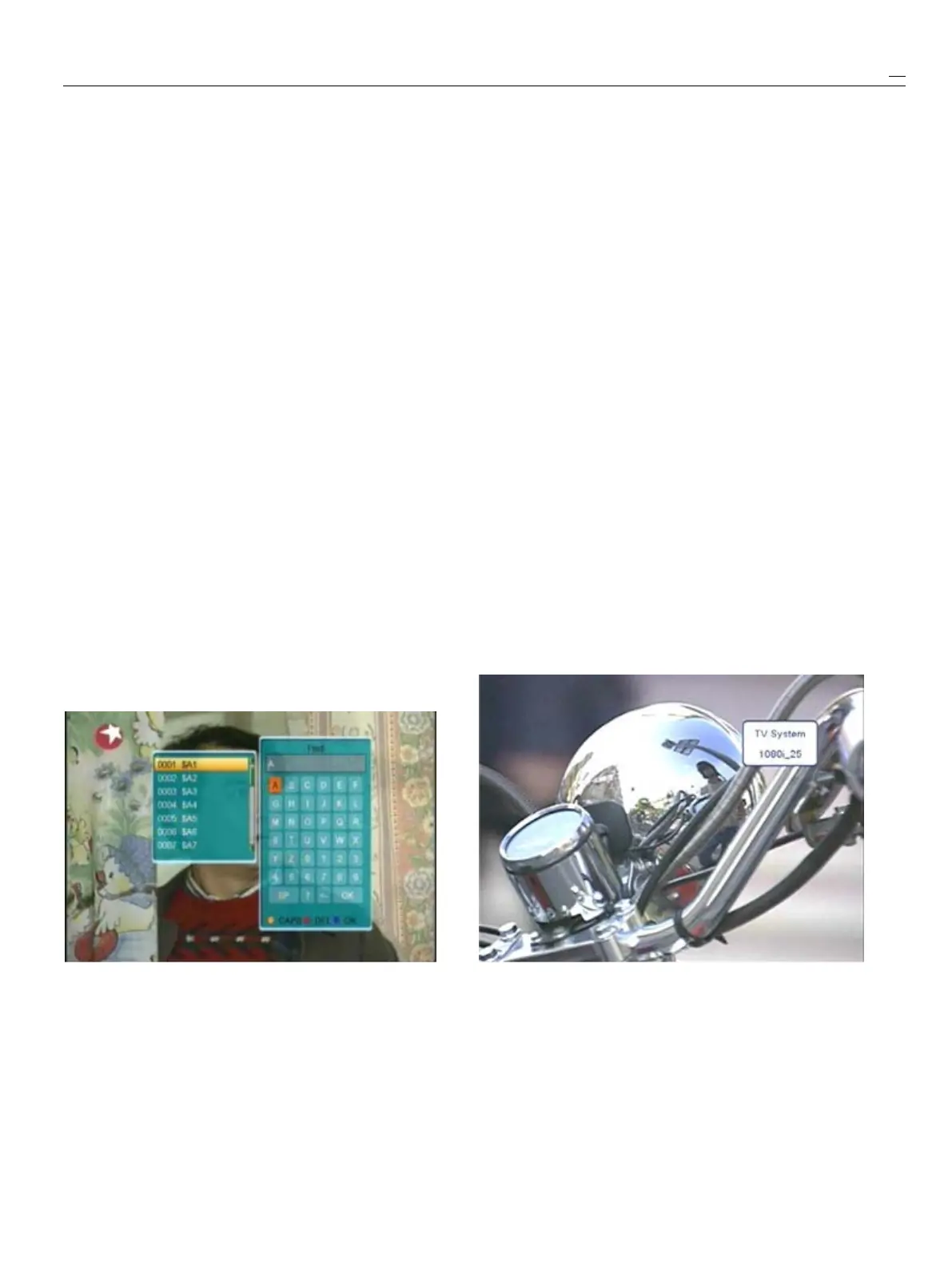
1
Press[TEXT]keyinfullscreen,youcanopenteletextpagePress[V.Format]keyunderFullScreenplaybackf
or
onthechannelwhichhasteletextinformation.1
st
time,itwillshowthecurrentsystemoutputtingvideo
2
Ifthechannelhasnoteletextinformation,itwillresolution,continuouslypressthiskey,systemwill
show“NoTeletextData”onthescreen.switchitsvideoresolutionbysequence576P->480P
576i->480i->720P_50->720P_60->1080i_25->
2.18
2.18
2.18
2.18Subtitle
Subtitle
Subtitle
Subtitle1080i_30.
1
Press[SUBTITLE]keyinfullscreen,youcan
switchsubtitleon
or
off.
2.19
2.19
2.19
2.19Find
Find
Find
Find
1
Infullscreenpress[FIND]keycanopenthe“Find”window2.2
2.2
2.2
2.24
4
4
4Exit
Exit
Exit
Exit
likeabove.Press[Left/Right/Up/Down]keytomovePress[Exit]keycanexitfromthecurrentmenu/window.
hlighlightandpress[OK]keytoinputtheselectedsymbol
or
letterintothedialogue.Thesearchresultdisplayonthe
rightscreen.Youcanpress[Red]keytodeletethechar,
[Blue]keytoconfirm,[Green]keytocancel.
2
Pressing[Exit]keycanclose“Find”window.



 To Next Page