18
18
1
In“Satellite”item,press[Enter]keytoseethe
1
Press[Left/Right]key,youcanswitchsatellite.
selectedsatellite.ThesystemwilluseDiSEqC1.0
/
DiSEqC1.2
/
USALSfunctiontosearchsatellite
2
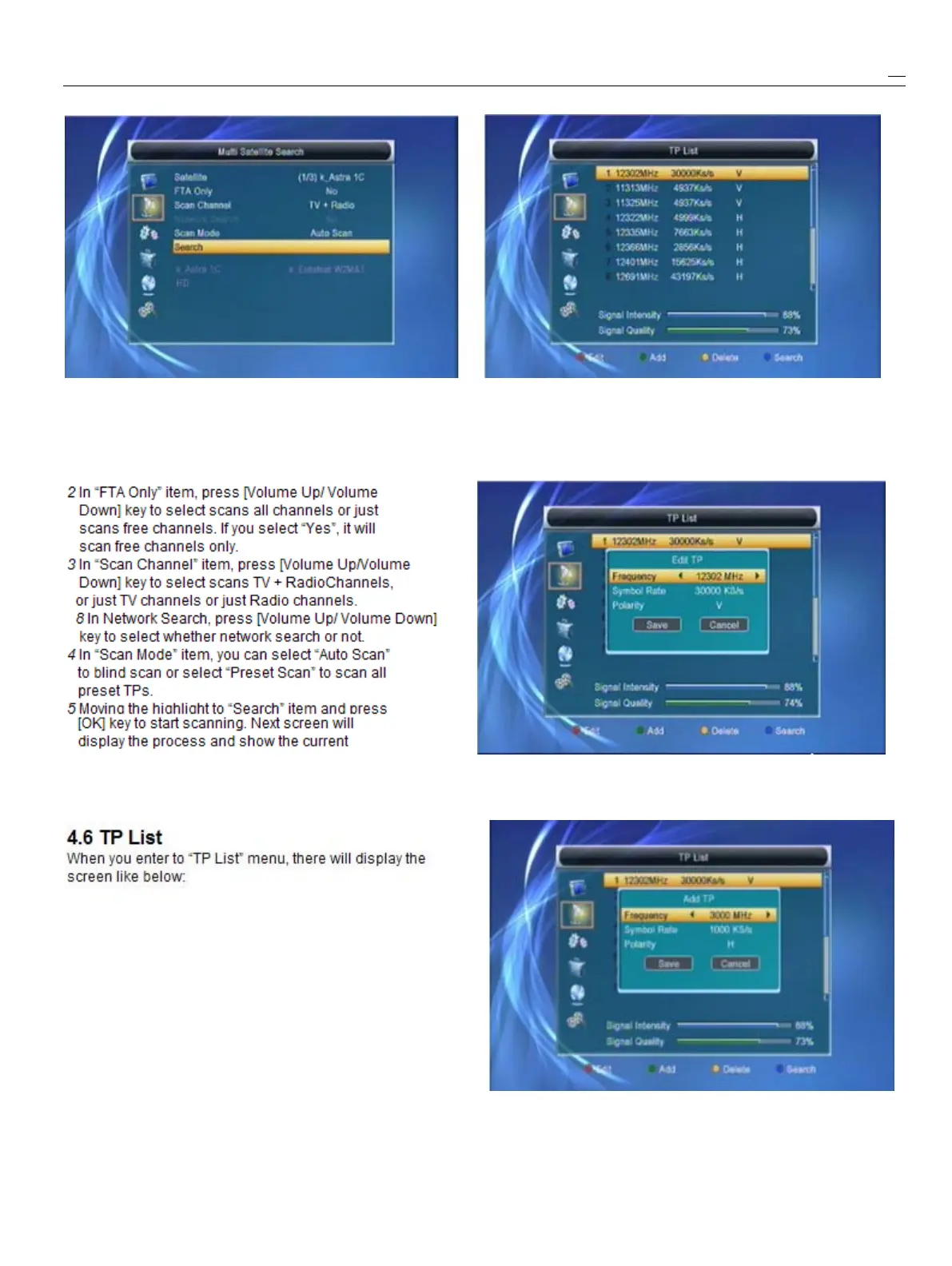
Press[Red]key,openeditTPmenu.Usercan
andscanchannels.ItwillscanallthesatelliteeditTPinfo.Frequency:“3000~13450MHz”,
displayinginthebottombox.SymbolRate:“1000~45000Ks/s”
.
scanningchannel.
3
Press[Green]key,toaddTPmenu.Usercan
6
Inthe“MultiSearch”menu,press[Exit]keytoadd
a
new
TP.
drawbackfromthescanningandmeanwhilesavingthe
currentvalue.



 To Next Page